Chapter 7.
PARTdesigner
7.6.
Docking window "3D History "
|  |
| Prev | Next |
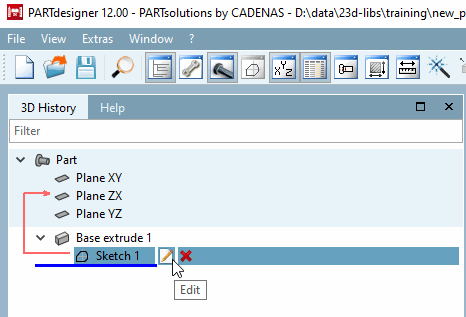
The 3D History docking window is a central "showplace" within the PARTdesigner. Its context menus are used to call up the Sketcher (with Sketch History [Sketch history] ) and create the component.
In addition, the history documents all design steps (features ) so that the respective component structure can be traced and possibly modified at a later date.
For each entry the most important actions are directly displayed once the mouse cursor is moved over the line. When clicking on the respective icon you can save calling the context menu.
All commands available for a function can be found in the context menu. The context menu commands are explained in the following sections.
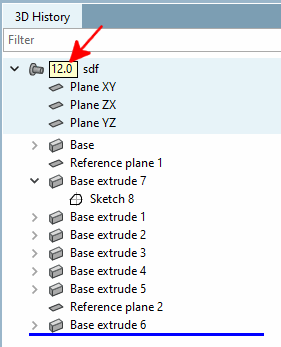
If a feature requires a minimum version, this is displayed next to the component name (e.g. 12.0, 12.4, 12.8, etc.).
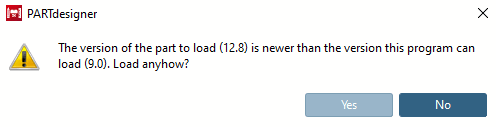
When opening such a part in a V11, a message is displayed there. To avoid problems, you should NOT load the part in V11
![Calling up the sketcher via the 3D history [3D History]](resources/img/img_5c053e7558164874a206556f37f6a9b3.png)