7.6.2.12.
Blend ( add chamfer/rounding...)
7.6.2.12.3. Basics - Create
chamfer or fillet |  |
| Prev | Next |
| ||||
Select a face whose adjoining edges shall be filleted.
Call up the context menu command Create new bevel/rounding [New Chamfer/Fillet...]... command.
-> The chamfer/rounding [Chamfer/Fillet] docking window opens.
Select the Rounding [Fillet] option and enter the desired radius [Radius] in the input field.
| ||||
In this example, the Chamfer surface [Chamfer] option was selected under Preview display [Preview presentation], i.e. the preview immediately shows the expected change.
Bevel/Rounding [Chamfer/Fillet] dialog box: Here as an example with option "Rounding [Fillet] " and radius [Radius] = 2
|
|
Example in 2D: Chamfer with setting "Distance 1 [Distance 1] " = 3 and "Distance 2 [Distance 2] " = 1 with a total edge length of the cube of 10
|
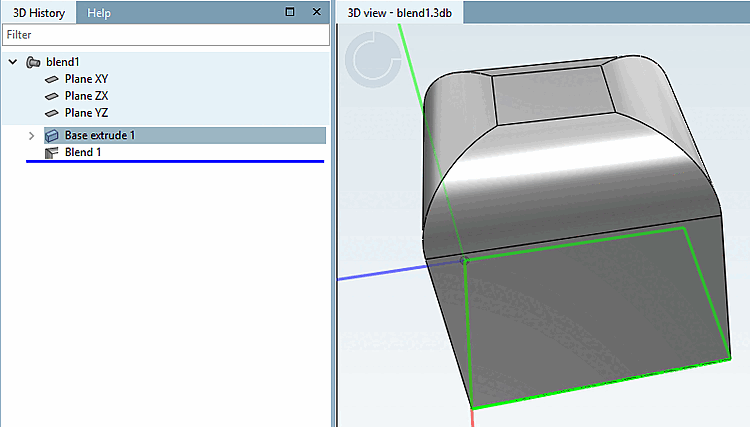
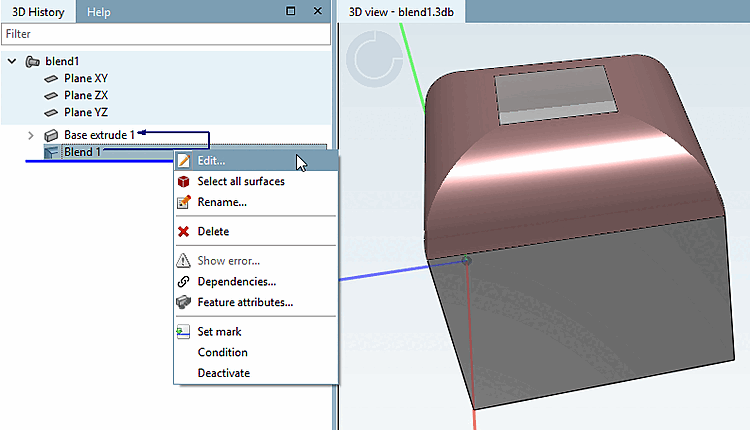
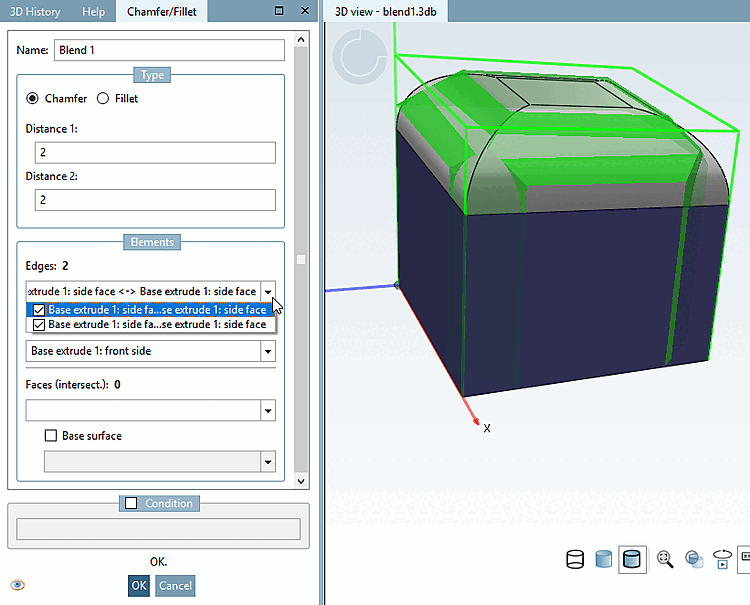
In the 3D history [3D History], you can use the context menu command above the blend feature via Edit. [Edit...].. to call up the dialog again at any time.
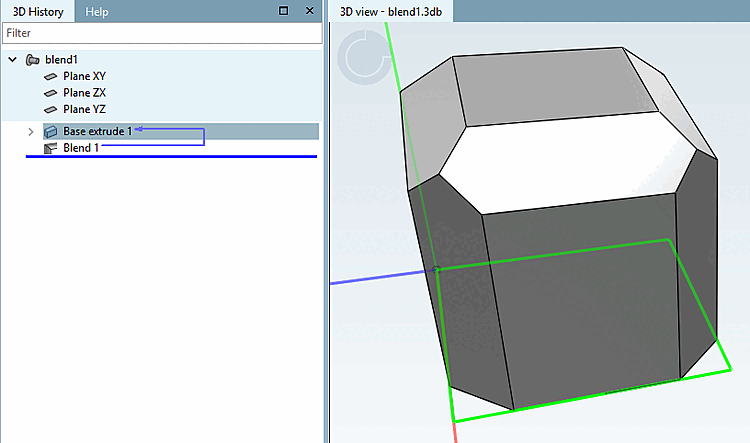
You can make any changes subsequently, which are immediately shown in the preview.
![[Note]](images/note.png)
![Create new chamfer/rounding... [New Chamfer/Fillet...]](resources/img/img_6a650a29048644b99e7d82a728dbfb6e.png)
![Bevel/Rounding [Chamfer/Fillet] dialog box: Here as an example with option "Rounding [Fillet] " and radius [Radius] = 2](resources/img/img_40cdee0cc34f41d9bce7f81a3d562058.png)
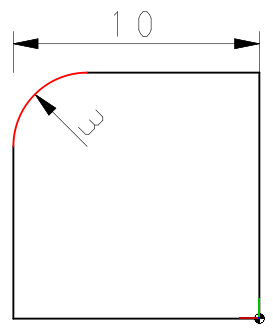
![Example in 2D: Chamfer with setting "Distance 1 [Distance 1] " = 3 and "Distance 2 [Distance 2] " = 1 with a total edge length of the cube of 10](resources/img/img_867c5c413e0e406c94a6c9425e47f052.png)