7.6.2. Listing of all possible features in the "3D history " docking window 7.6.2.8. Extended Extrude/Cut functionality |  |
| Prev | Next |
7.6.2. Listing of all possible features in the "3D history " docking window 7.6.2.8. Extended Extrude/Cut functionality | |
| Prev | Next |
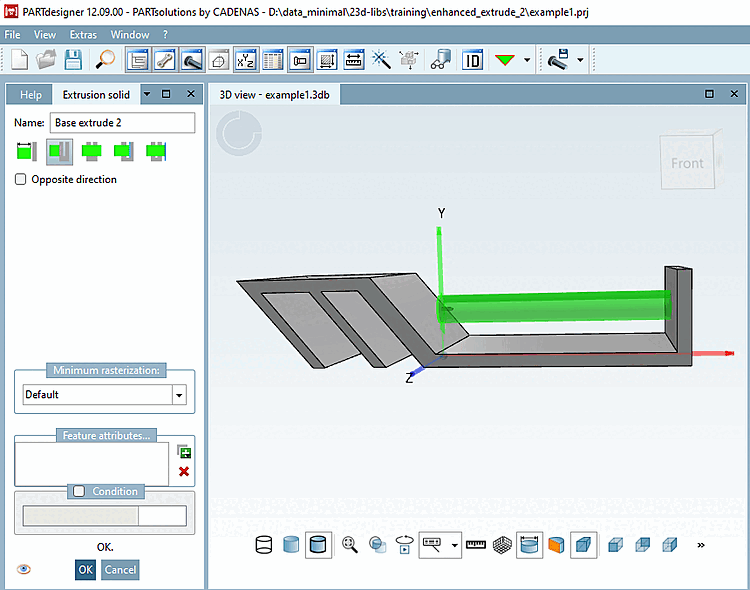
 Length: Define extrusion via length input.
(Standard as before)
Length: Define extrusion via length input.
(Standard as before)
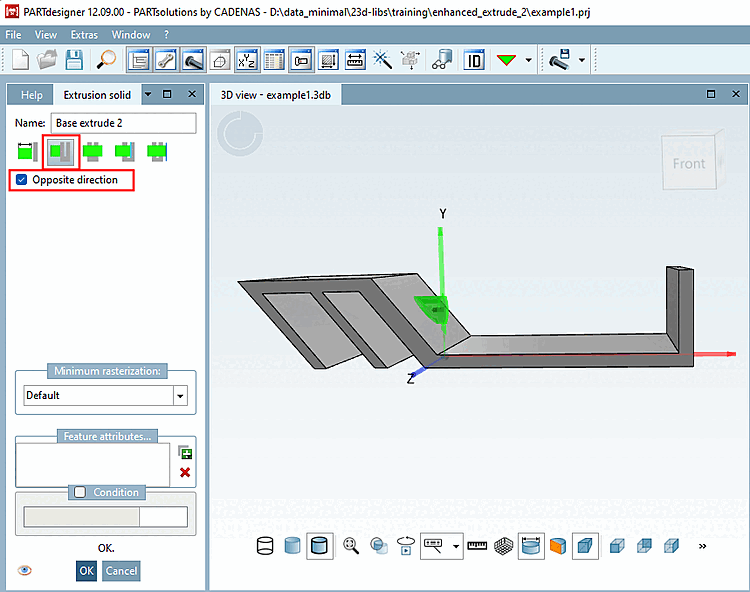
 To first:
Until the first fully hit area
extrude. [Extrude up to the first fully hit surface.]
To first:
Until the first fully hit area
extrude. [Extrude up to the first fully hit surface.]
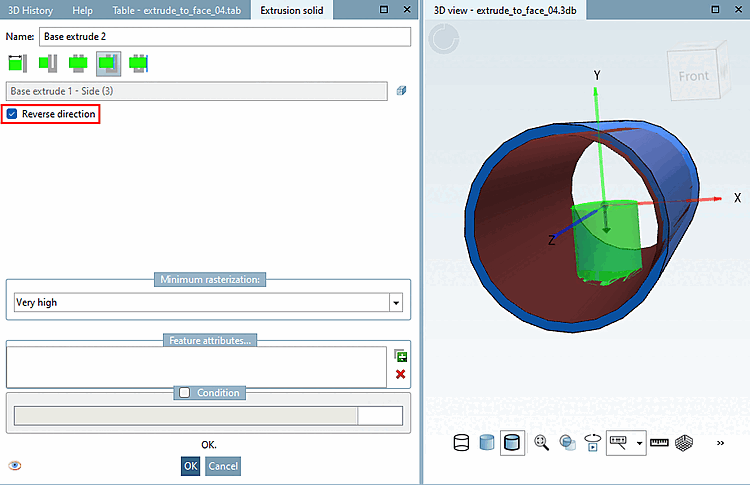
You can reverse the direction using the Reverse direction [Opposite direction] option.
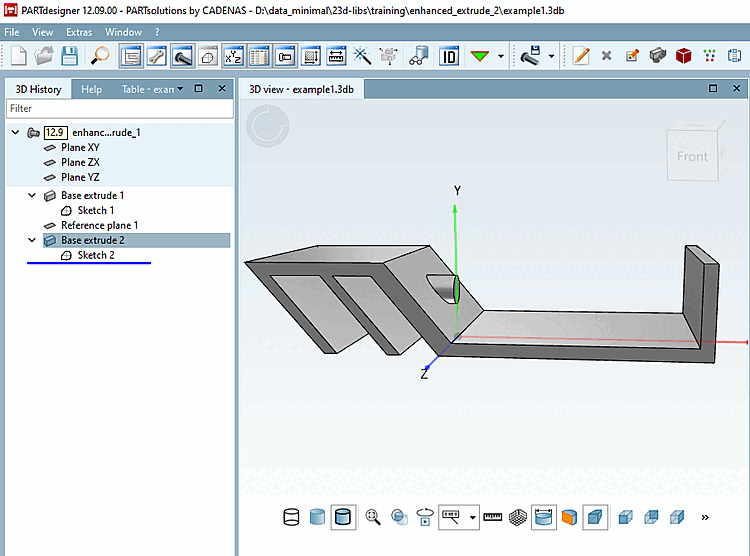
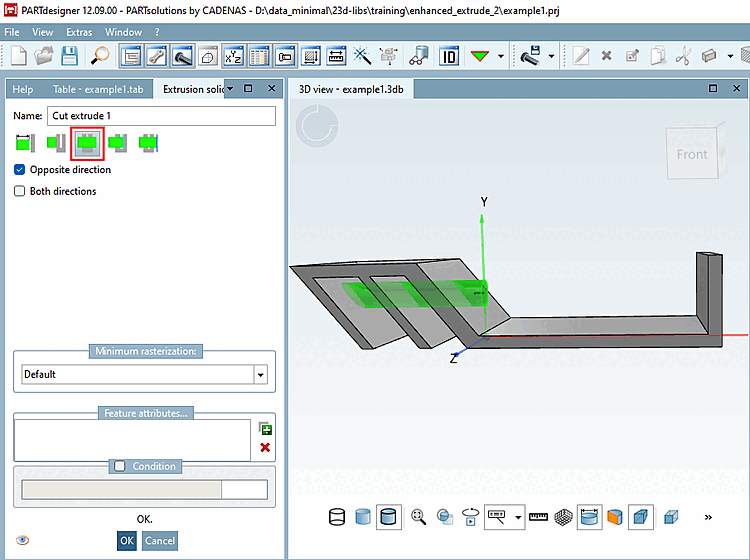
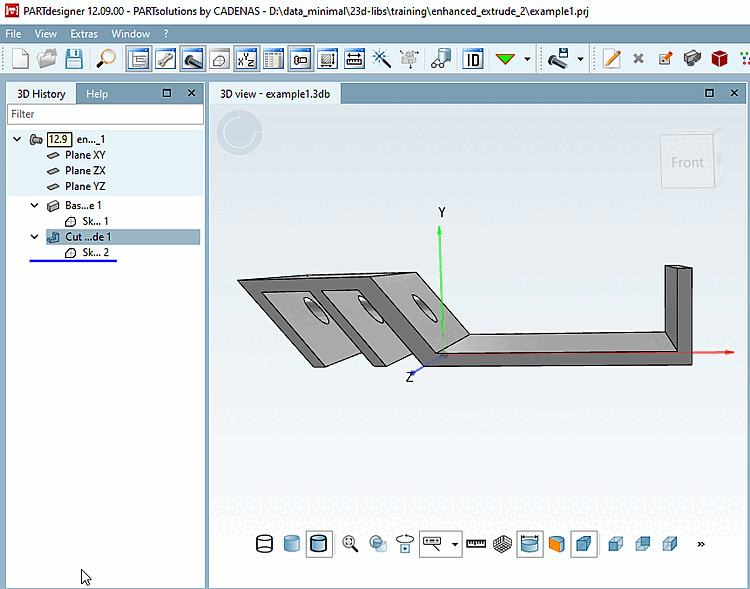
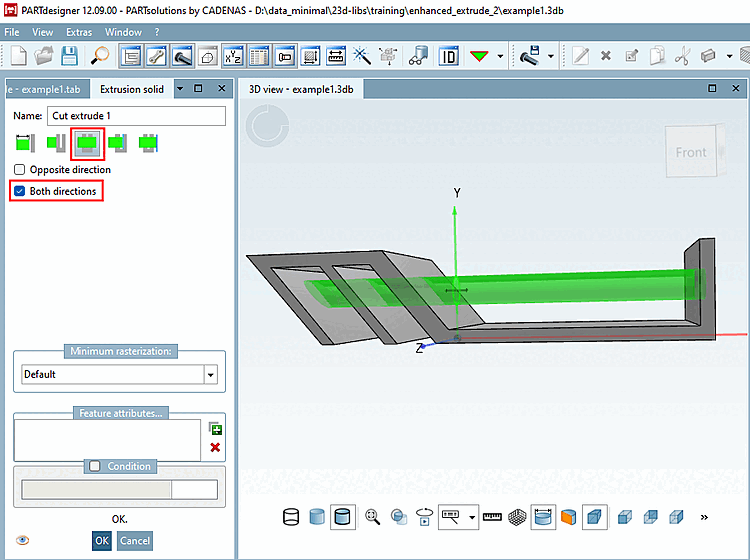
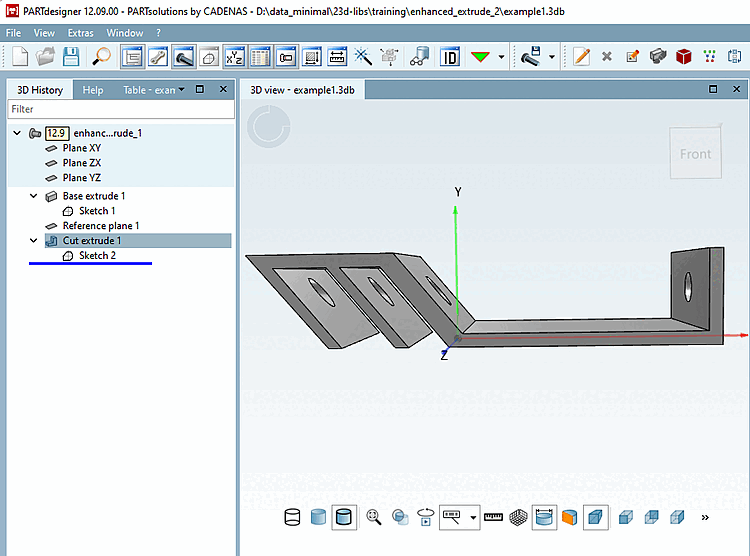
 By all [Through all]:
Extrude to the end of the body. Only
Cut. [Extrude to the end of the body. Cut only.]
By all [Through all]:
Extrude to the end of the body. Only
Cut. [Extrude to the end of the body. Cut only.]
By activating the Both directions option, you can also perform the cut in both directions.
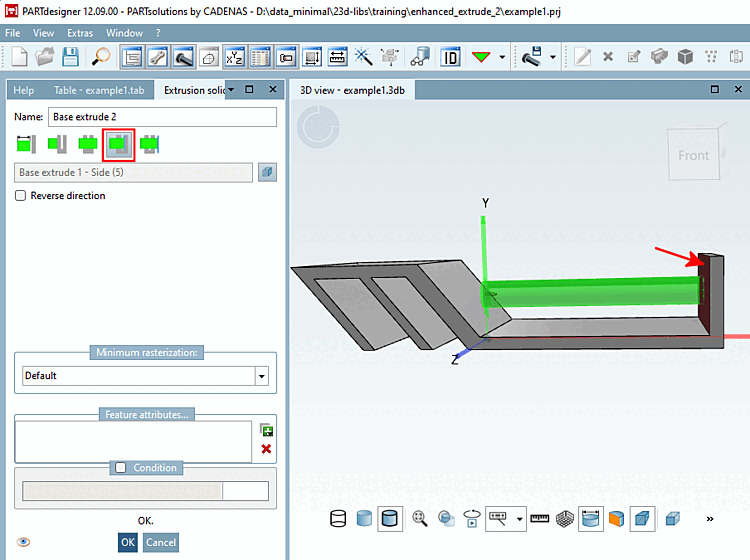
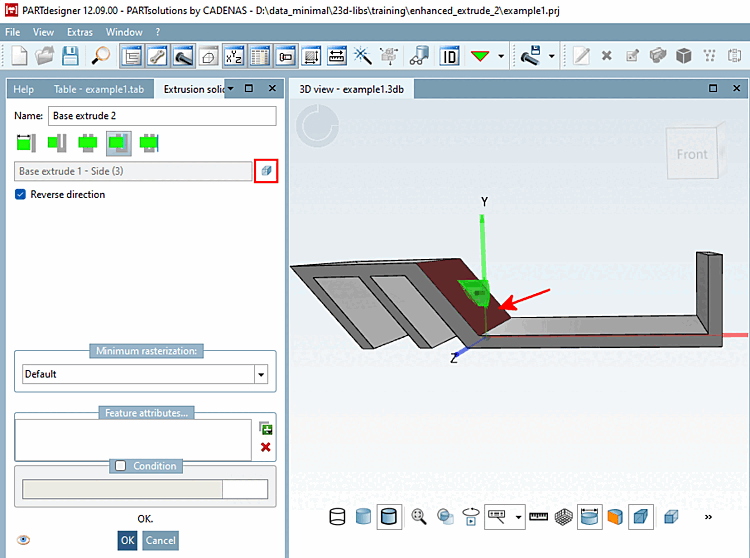
 to area [To face]:
Up to selected area
extrude. [Extrude up to the selected face.]
to area [To face]:
Up to selected area
extrude. [Extrude up to the selected face.]
If you want to change direction, use
DO NOT select the Direction option
but [Reverse direction] first click on the
 new area
select [Select new face] and then select the desired new
Area.
new area
select [Select new face] and then select the desired new
Area.
-> The preview changes accordingly.
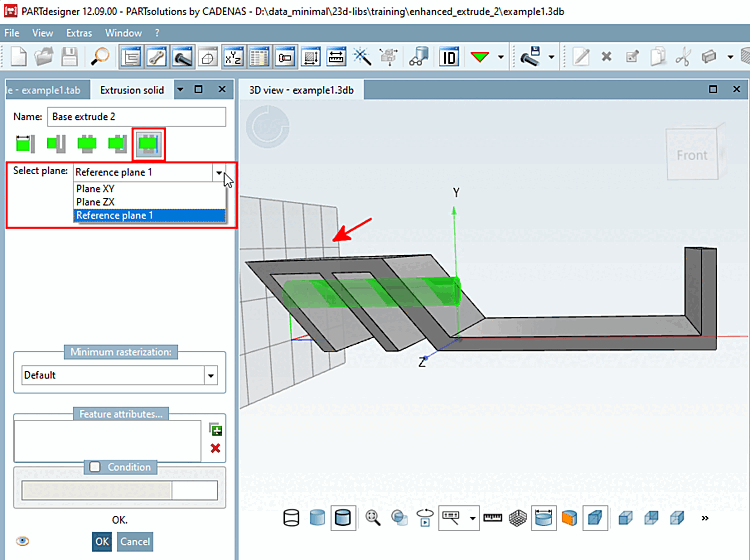
 to Level [To plane]:
Up to selected level
extrude. [Extrude up to selected plane.]
to Level [To plane]:
Up to selected level
extrude. [Extrude up to selected plane.]
Select the function and choose the desired level from the Select level [Select plane] list box.
![[Note]](images/note.png) | Note |
|---|---|
Except for the
Feature | |