7.6.2.11.
Pipe
7.6.2.11.2. Pipe
editing/creation dialog
|  |
| Prev | Next |
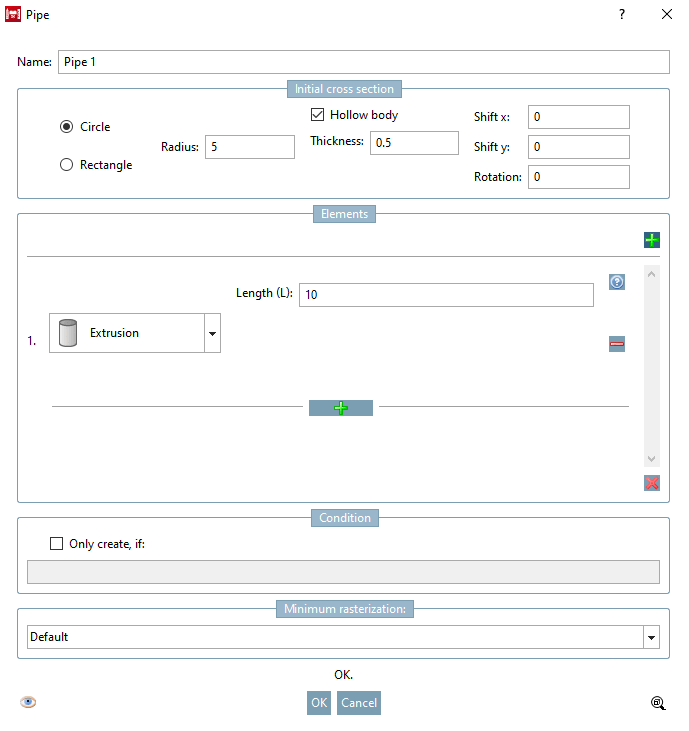
The following illustration shows the Pipe dialog box (depending on the use of the individual basic options, the dependent options may vary slightly)
This dialog has the following sections:
Each group
provides its own error detection system to prevent the user form creating
invalid constructions. If the icon  is displayed there are errors in the respective
group. When moving the mouse pointer over the icon a tooltip is displayed
which describes the error in detail.
is displayed there are errors in the respective
group. When moving the mouse pointer over the icon a tooltip is displayed
which describes the error in detail.