Chapter 8.
PARTtemplateDesigner - Create data sheets
8.4.
"Elements " toolbar
|  |
| Prev | Next |
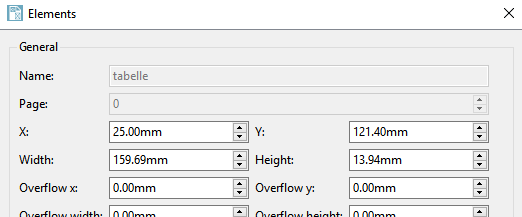
Click on an icon to open the Elements dialog area with the specific setting options (either as a docking [tab page] or as a single window).
In order to
release the docked window, click on the icon top right  .
.
If you want to dock the "free" window, hold down the mouse button and move it to the left or right edge of the window and release the mouse button at the desired position. If you position the Elements and Layers [Layer] dialog boxes next to each other, they are displayed as tab pages.
The toolbar can be shown and hidden. To do this, open the context menu in the page header with the secondary mouse button and activate/deactivate the toolBar_2 menu item.