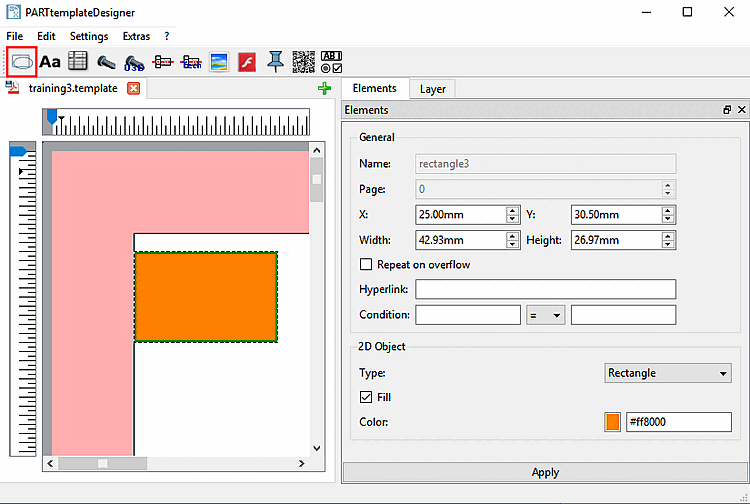
In this section you will find explanations of the geometry [Geometry] setting options.
Setting options:
General: See Section 8.4.2, “General settings”.
2D object:
Type: Select Rectangle or Ellipse in the list box.
Fill: If you want to fill the element with the color set under Color, activate the checkbox.

 .
.