7.11. Docking window "2D
derivation " - Create your own combination views (*.dw)
7.11.1. Basics |  |
| Prev | Next |
7.11. Docking window "2D
derivation " - Create your own combination views (*.dw)
7.11.1. Basics | |
| Prev | Next |
In order to create your own 2D derivation views, you have the following elements to use:
Template: Definition of a unique identifier
Description: Definition of the display name
Grid: A grid structure for placing multiple elements.
Box: A placeholder element for determining position and size
Derivation: A single 2D derivation view
Text: Positionable and dimensionable text with stored translations
Table: Positionable and dimensionable parts list table
If several individual elements are to be combined, the Frame element is used. This is then the parent element for all elements placed on it.
The Formats element indicates whether and which paper formats [Paper formats] are available for a particular view.
Under
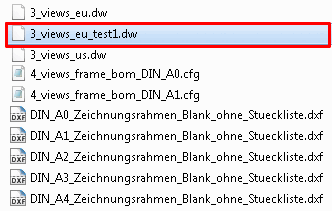
$CADENAS_SETUP/layouts/2dderivation create a copy
of your own dw file and modify it.
Under "name", assign a unique name.
[Template]
name=drawing_3_views_eu_test1
unitbase=mm
translation=dwtext.def

[Description]
default=Test 1
german=Test 1

[ELEMENT_grid1]
type=grid
padding_x=10
padding_y=10
padding_unit=percent
columns=2
rows=2
order=none,top,front,left
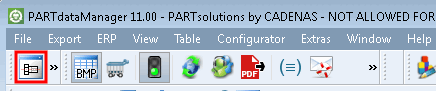
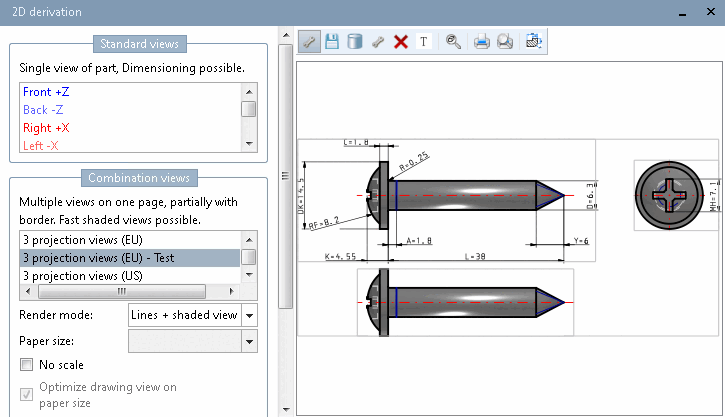
Select a part and click on the 2D derivation button in the toolbar.
-> The own view is now added to the list.
![[Note]](images/note.png) | Note |
|---|---|
Concept for use of frames and different paper formats: A default frame can be defined via [ELEMENT_frame] in the template file *.dw. If views are to be created for different paper formats, a separate configuration file is defined for each format using [Formats]. The configuration file in turn references to a specific dxf file (paper format) under [ELEMENT_frame]. | |
| Note |
|---|---|
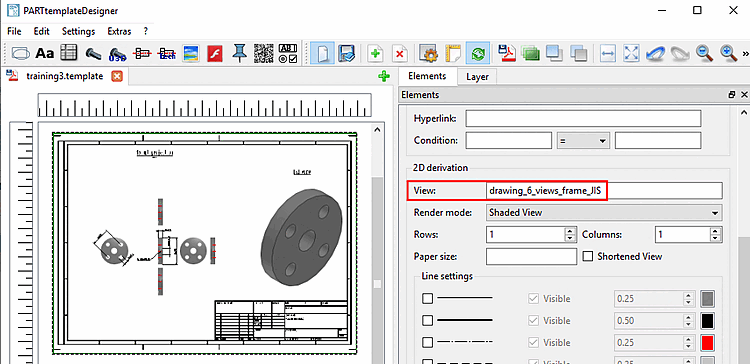
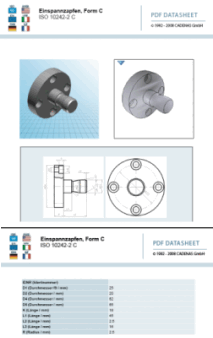
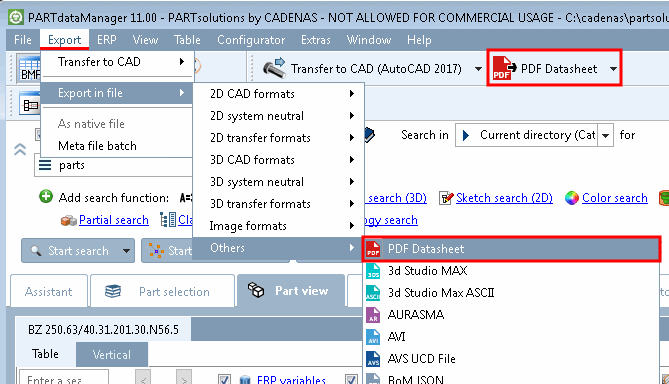
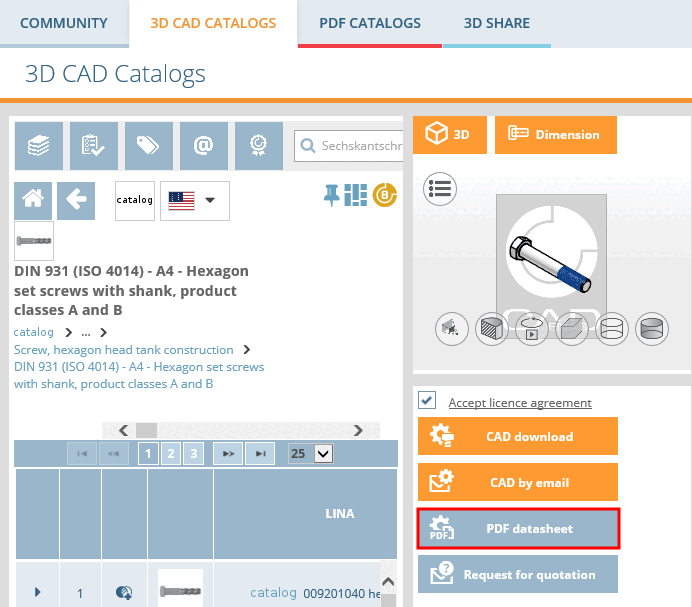
2D derivations (dw files) can be used in PARTtemplateDesigner directly for the 3D PDF data sheet function, which is available on the 3Dfindit, PARTcommunity and PARTserver platforms. See Chapter 8, PARTtemplateDesigner - Create data sheets .
| |