Chapter 7.
PARTdesigner
7.10.
Docking window "2D deriv ation"
|  |
| Prev | Next |
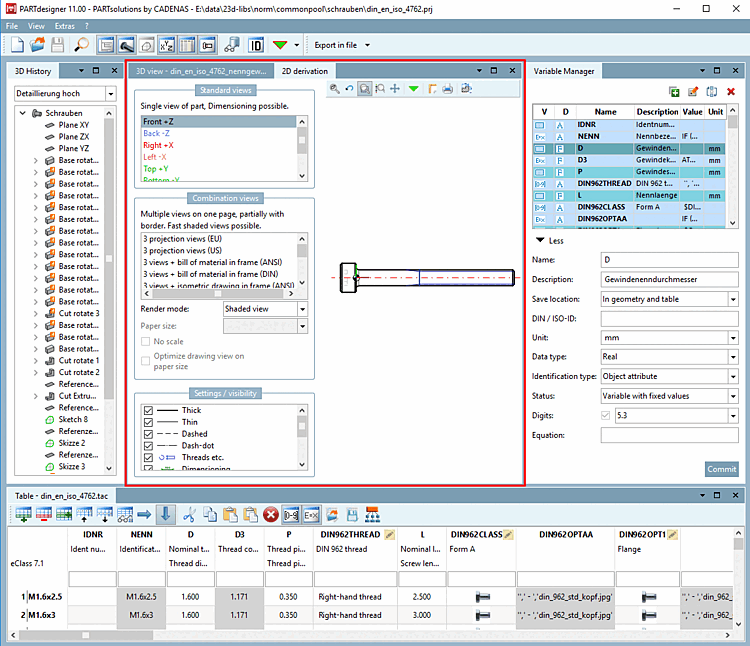
To display a solid from the 3D view in 2D mode or to create a 2D derivation of it, you must select the 2D derivation command. Either via the toolbar  or via the View menu [View].
-> The 2D derivation docking window opens.
If you select a view from the standard views [Default views] or from the combination views [Combination views], it is displayed to the right.
![[Note]](images/note.png) | Note |
|---|---|
The figure above shows an overview of all available workspaces (docking windows). Normally you won't use all docking windows at the same time. Make your own user interface as desired.
| |
![Standard toolbar [Default]](resources/img/img_c3dca4cb1caa48f58d285540b6d34bb2.png)


![View menu [View]](resources/img/img_292e0cfe1e8644b3b29158c4609a001a.png)