7.9.
Docking window "Sketcher "
7.9.8. Problem
avoidance
|  |
| Prev | Next |
To check the integrity of a part, click on the Check part [Test part] button . The integrity must be ensured so that no error message appears in the QA check and ultimately an error-free export to the various CAD systems is guaranteed.
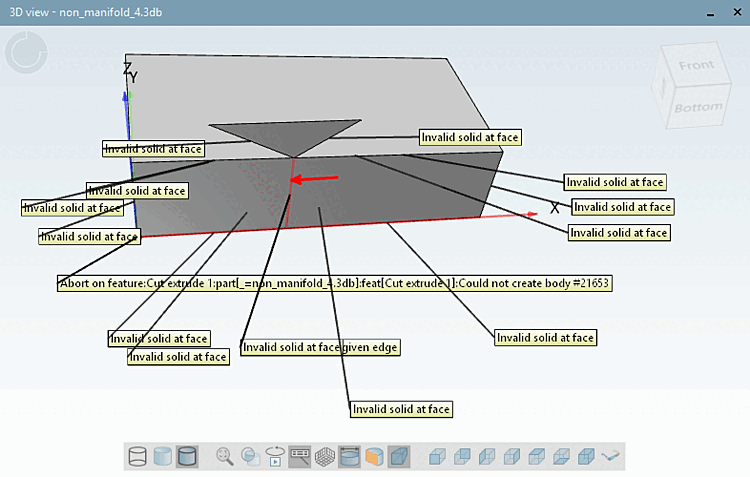
If there are problems when executing the function this is immediately documented in the 3D view.
In the following you can see some examples for construction errors:
A definition for "non-manifold" related to praxis is: You could not machine the shape out of a single block.
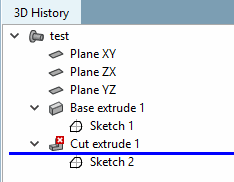
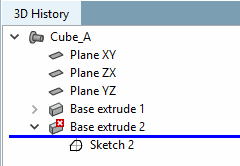
In the 3D history [3D History], a red cross is displayed on affected elements is displayed.
The Notifications dialog box displays the error.
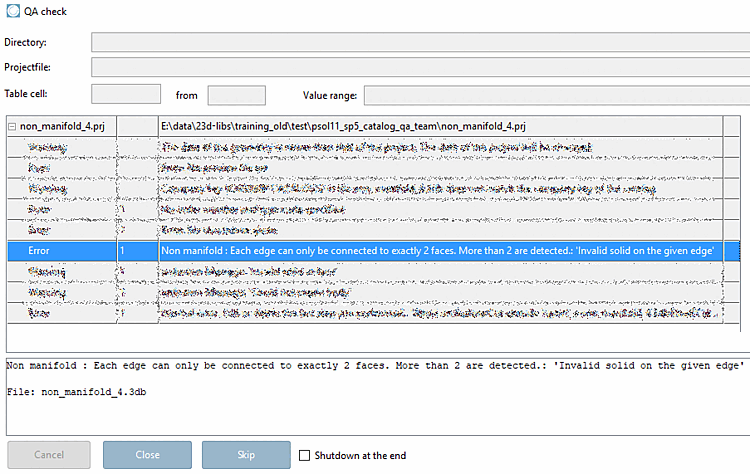
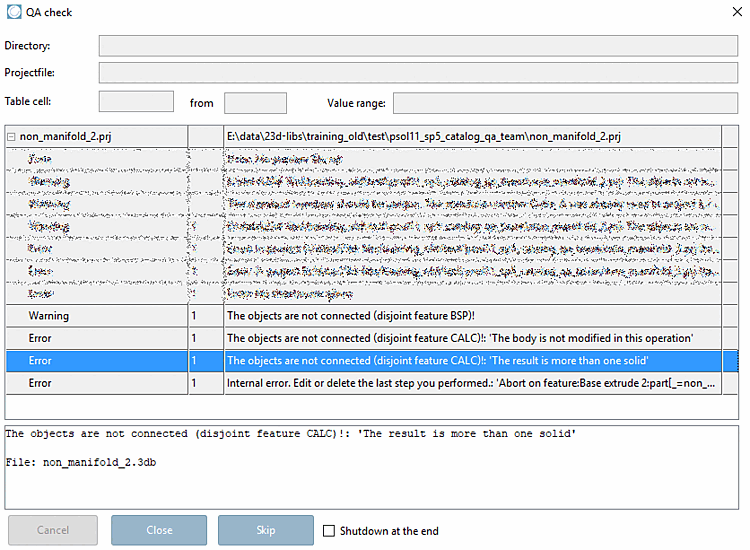
The error message Non manifold also appears in the QA check dialog box.
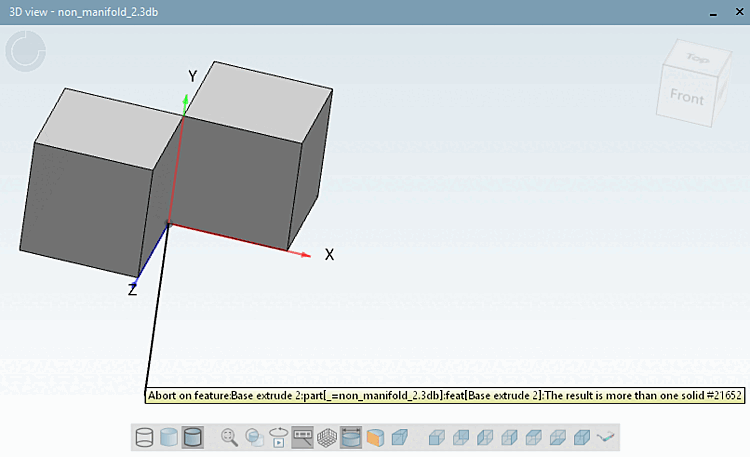
Error message "The objects are not contiguous"
The shape cannot be machined out of a single block.
In the 3D history [3D History], a red cross is displayed on affected elements is displayed.
The Notifications dialog box displays the error "The objects are not contiguous".
The error message "The objects are not contiguous" also appears in the QA check dialog box.