1.1.
Article assignment (initial filling of the LinkDB)
1.1.1. Start |  |
| Prev | Next |
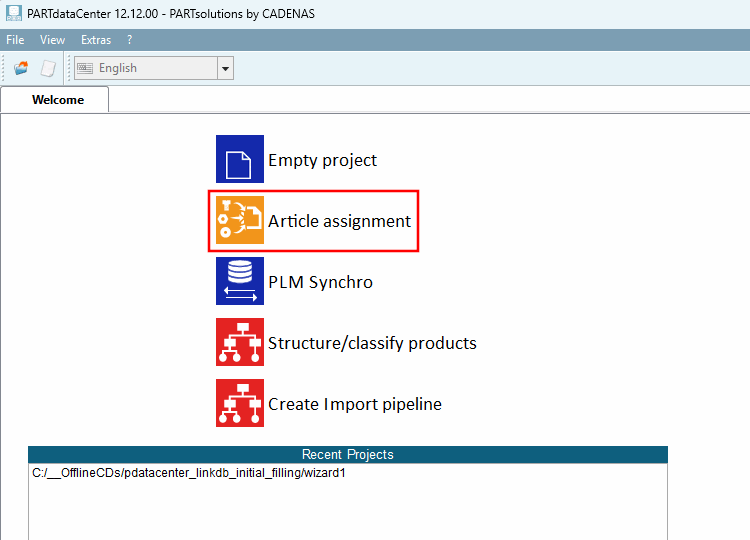
Open PARTdataCenter and click on the Article assignment button.
Select the desired storage location for your projects, assign a project name and click .
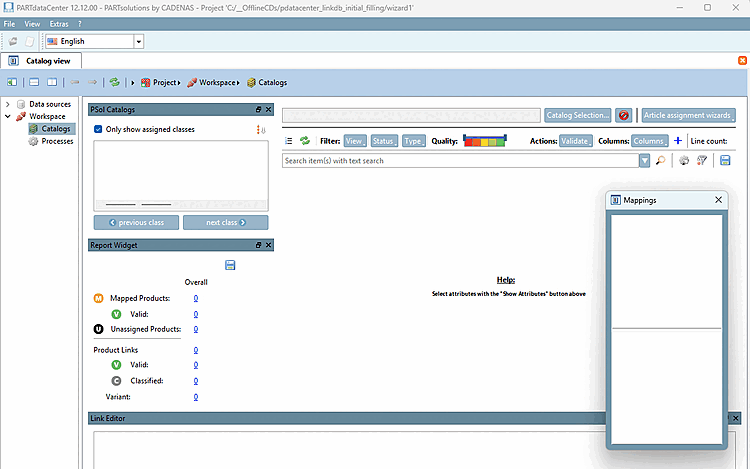
-> The user interface opens. Details on the user interface and processes can be found at Section 1.1.2, “User interface and processes at a glance”.