3.3.6.
Inventor Integration - Administration
3.3.6.3.
Attribute mapping in Inventor
|  |
| Prev | Next |
In the AttributeMapping(is3d) block, you determine whether the ENTERPRISE 3Dfindit standard attributes (geometric, NT, NN, LINA, etc.) and all fields of the link database (if an ERP link exists) are to be transferred to the CAD system and, if so, in which language(s).
Below you will find the most important information for your CAD system. Basic information on attribute mapping can be found under Section 3.2.8, “Attribute mapping ”.
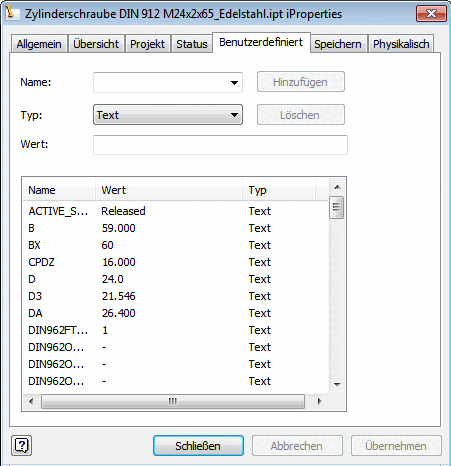
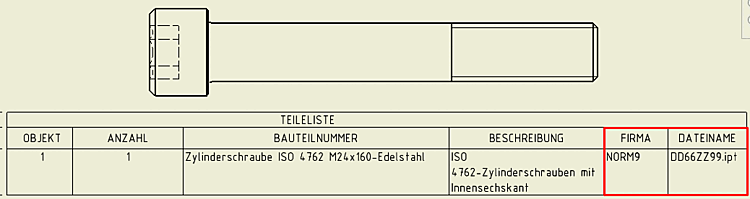
Once the attributes have been transferred, they are then available under iProperties and in the parts list.
Attribute mapping is controlled via the following blocks:
In the following the single blocks are explained:
![[Note]](images/note.png)