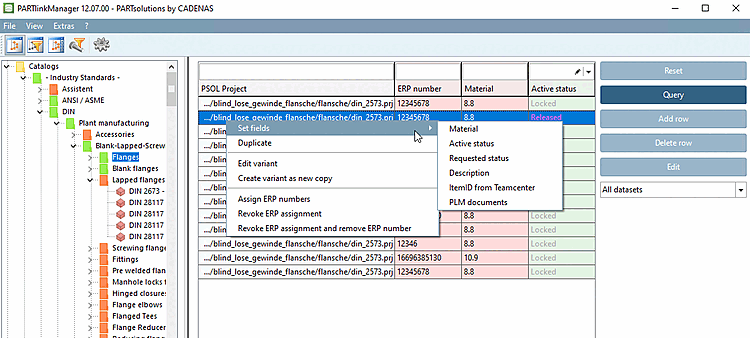
5.27.8. Context menu commands
5.27.8.2. Context menu commands in detail
Prev
Next
5.27.8.2. Context menu commands in detail
5.27.8.2.1.
Set fields
5.27.8.2.2.
Duplicate
5.27.8.2.3.
Edit variant
5.27.8.2.4.
Create variant
5.27.8.2.5.
Assign
/ delete
ERP numbers
5.27.8.2.6. Importing a project into the database
5.27.8.2.7.
Edit project table
5.27.8.2.7.1. Change standard descriptions according to project
5.27.8.2.7.2. Explicitly specify sorting order of variants for PARTdataManager table
5.27.8.2.7.3. Column sorting of geometry columns in PARTdataManager
5.27.8.2.7.4.
Update structure table
Note
Depending on the initial situation, not all commands are visible and available in the context menus.

![[Note]](images/note.png)