5.27.8.2. Context menu commands in detail
5.27.8.2.1.
Set fields
|  |
| Prev | Next |
You can call this command in different ways:
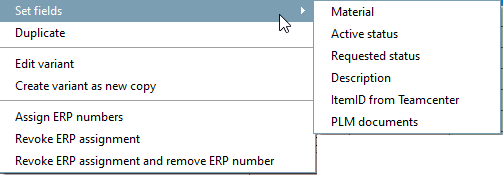
Set fields [Set fields] lists the editable columns of the ERPTABLE. After clicking on a column title, it can be edited in the Set values window.
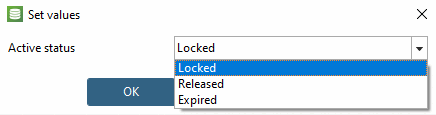
For Current status [Active status] and Requested status, select the corresponding value in the list field.
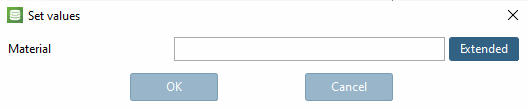
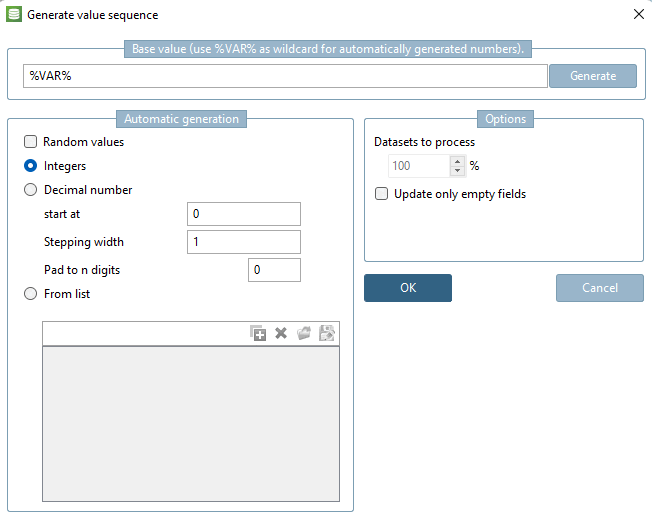
For all other fields (e.g. material), either enter the value directly or open the Generate [Generate value sequence] value sequence dialog via .
Dialog Generate value sequence
Use to create a random number such as the following: *#1127406149.%VAR%. You can use the other option fields to adjust the automatically generated values. You can find details on this at Section 5.27.8.2.5, “ Assign / delete ERP numbers ”.