1.1.
Article assignment (initial filling of the LinkDB)
1.1.15. LinkDB
Import |  |
| Prev | Next |
Just as links can be saved in the LinkDB, they can also be imported from there to PARTdataCenter. Links can then be validated, for example, and then exported to the LinkDB again.
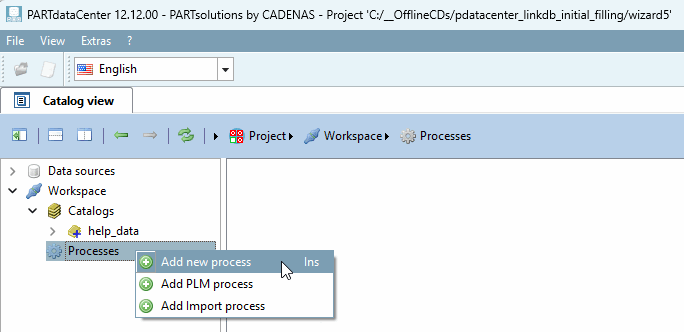
First, a process must be created for the export.
Under Processes, click on the context menu command Add new process.
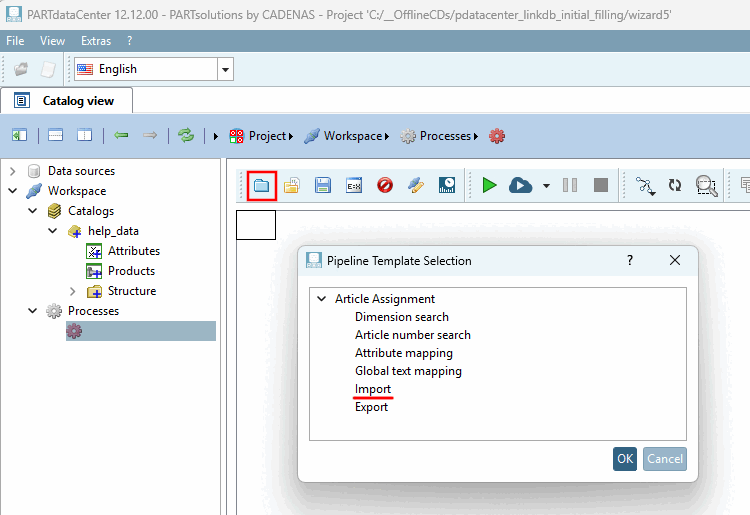
Click the Load predefined button
template
 . -> The Pipeline Template Selection dialog box opens.
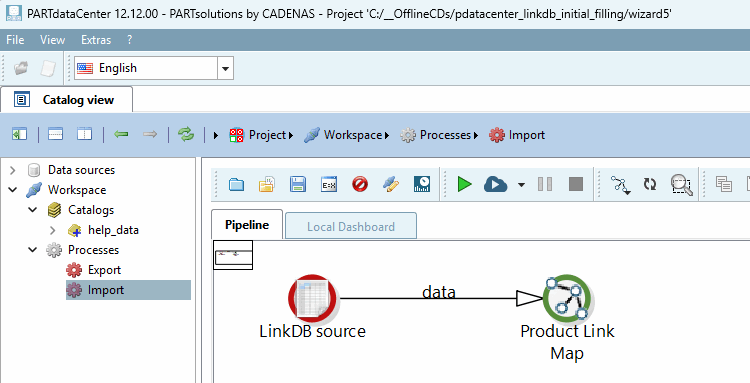
-> The import pipeline is now displayed in the right-hand settings area.
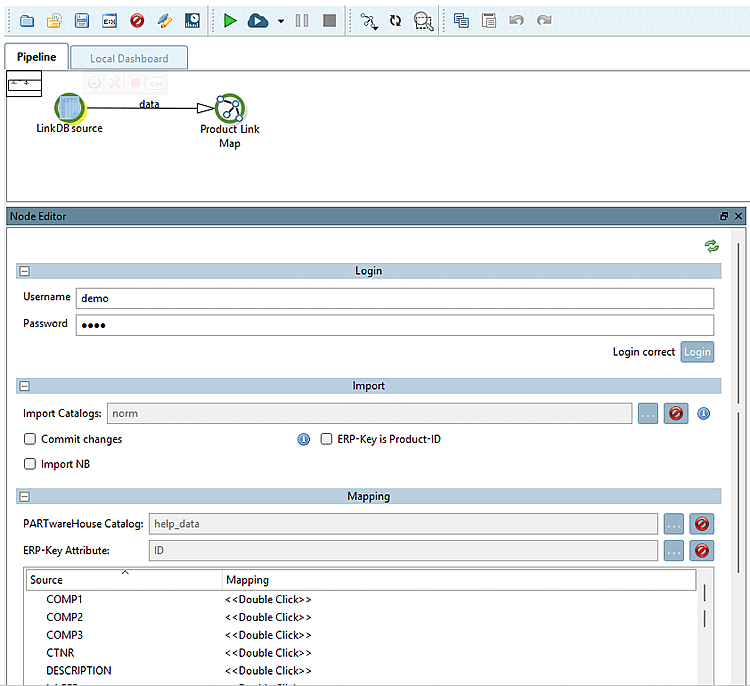
Select the LinkDB source node and make the necessary settings.
Erp number attribute [ERP number attribute]: Specify the field in the CSV catalog to which the ERP_PDM_NUMBER is to be mapped.
Source - Assignment [Mapping]: All LinkDB variables are listed under Source. Under Assignment [Mapping], you can specify the desired field in the CSV catalog via list field selection.
![[Note]](images/note.png)