2.1.6.4.6.
Geometric search (3D)
2.1.6.4.6.1. PARTdataManager: Actions in the search result
list |  |
| Prev | Next |
2.1.6.4.6.
Geometric search (3D)
2.1.6.4.6.1. PARTdataManager: Actions in the search result
list | |
| Prev | Next |
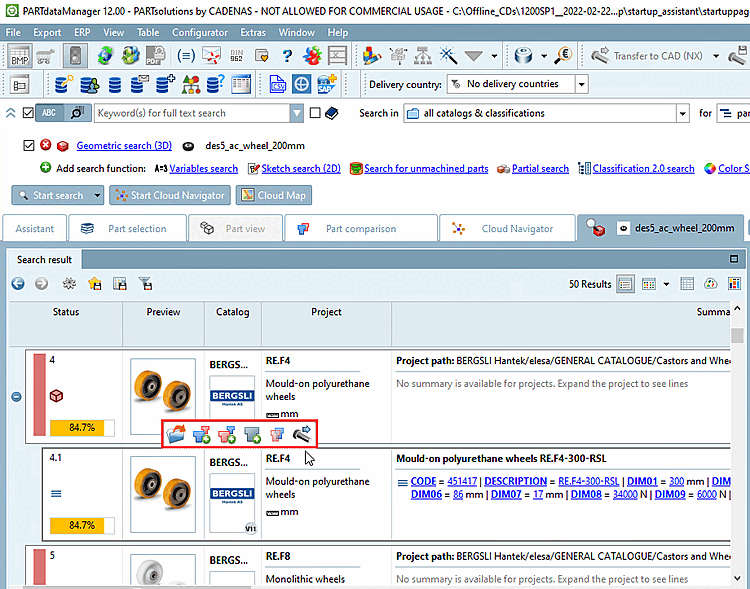
You can perform the following actions on the selected line via context menu or button:
When moving the mouse over a result line different buttons show up.
Details on the component comparison can be found under Section 2.1.6.10, “ Part comparison ”.