5.12.
Design "New ident number " dialog box - erpcustom.cfg -> Block [USERDIALOG]
5.12.4.
Change default description text for
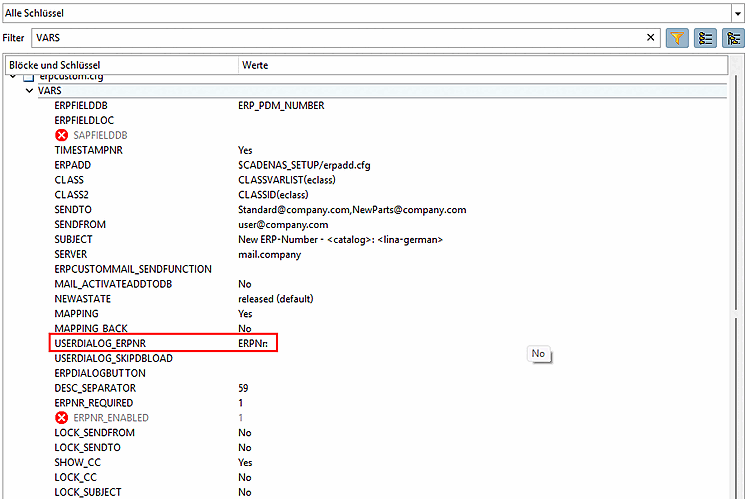
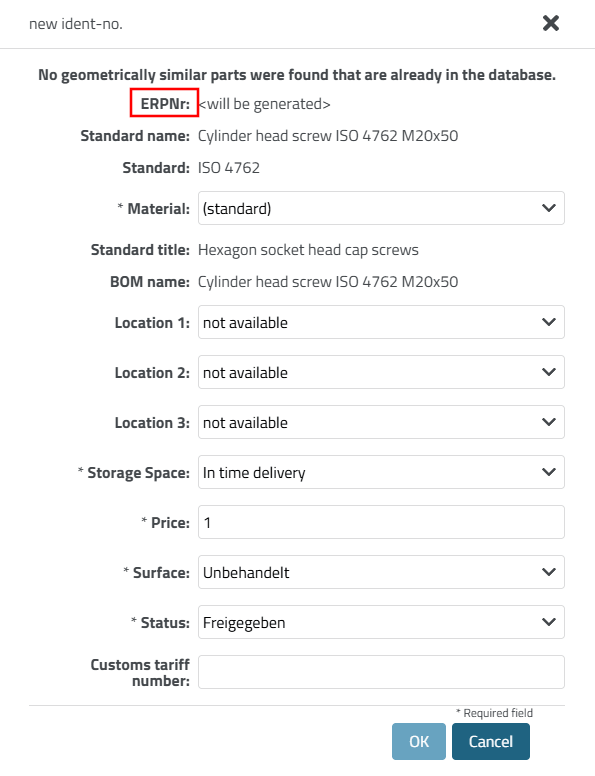
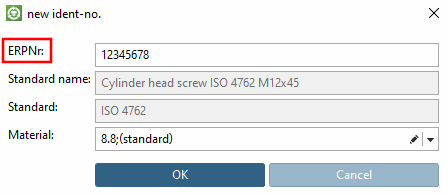
ERP_PDM_NUMBER - erpcustom.cfg -> Block [VARS] -> Key
"USERDIALOG_ERPNR"
|  |
| Prev | Next |
5.12.
Design "New ident number " dialog box - erpcustom.cfg -> Block [USERDIALOG]
5.12.4.
Change default description text for
ERP_PDM_NUMBER - erpcustom.cfg -> Block [VARS] -> Key
"USERDIALOG_ERPNR"
| |
| Prev | Next |