5.12.
Design "New ident number " dialog box - erpcustom.cfg -> Block [USERDIALOG]
5.12.3.
Ignore custom set values for the
combobox - Key "USERDIALOG_SKIPDBLOAD" |  |
| Prev | Next |
5.12.
Design "New ident number " dialog box - erpcustom.cfg -> Block [USERDIALOG]
5.12.3.
Ignore custom set values for the
combobox - Key "USERDIALOG_SKIPDBLOAD" | |
| Prev | Next |
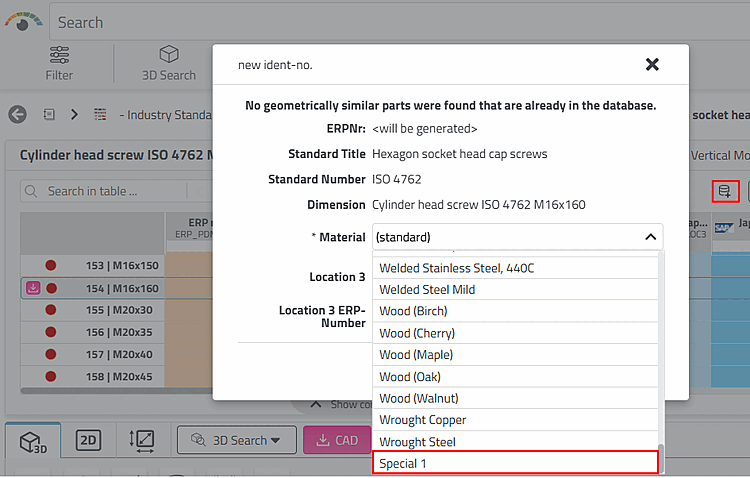
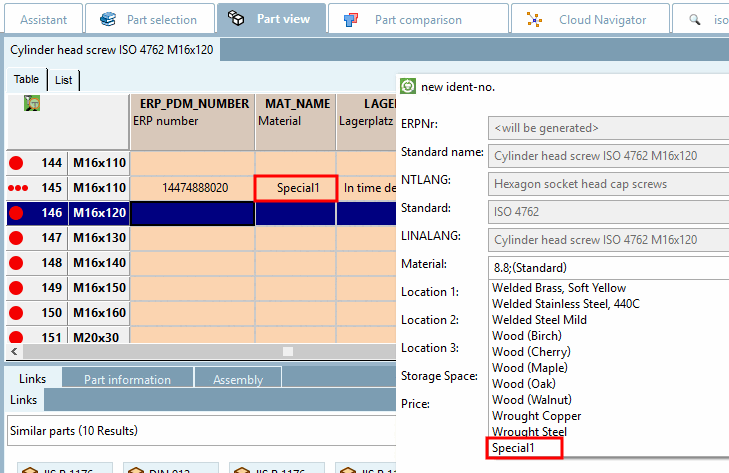
By default, both values specified in material_assign.cfg and values set by the customer are displayed in the list field.
If you want to exclude the custom set values of the table for specified database fields, do the following:
1. USERDIALOG_SKIPDBLOAD=MAT_NAME -> The "Material" combobox is only filled with the config values. Table values are ignored.
2. USERDIALOG_SKIPDBLOAD=MAT_NAME,LOC1 -> The "Material" and the "Location 1" comboboxes are only filled with the config values. Table values are ignored.