5.10.2.
2D deriv ation: Extend standard views
5.10.2.4. Export into CAD
system
|  |
| Prev | Next |
If you want to export special derivations into the CAD system later, then proceed as follows:
Call up PARTdataManager in the 3Dfindit menu via Insert model.
| ||||
Click on Transfer to CAD directly after selecting the desired component .
.
-> The Select view to be transferred [Choose view to pass...] dialog box opens.... [Choose view to pass...]
Click on the 2D derivation button .
.
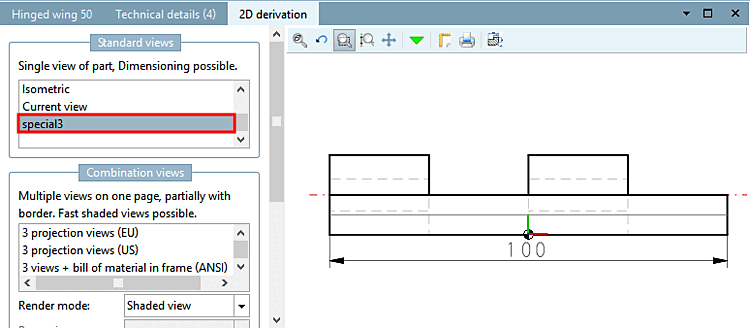
-> The 2D derivation docking window opens.
![[Note]](images/note.png)
!["Select view to be transferred [Choose view to pass...]..." dialog box](resources/img/img_15bd5f856ca046cdb9f1054ad984844d.png)