5.10.2.
2D deriv ation: Extend standard views
5.10.2.5. Add
dimensioning directly before transferring to PARTdataManager
|  |
| Prev | Next |
5.10.2.
2D deriv ation: Extend standard views
5.10.2.5. Add
dimensioning directly before transferring to PARTdataManager
| |
| Prev | Next |
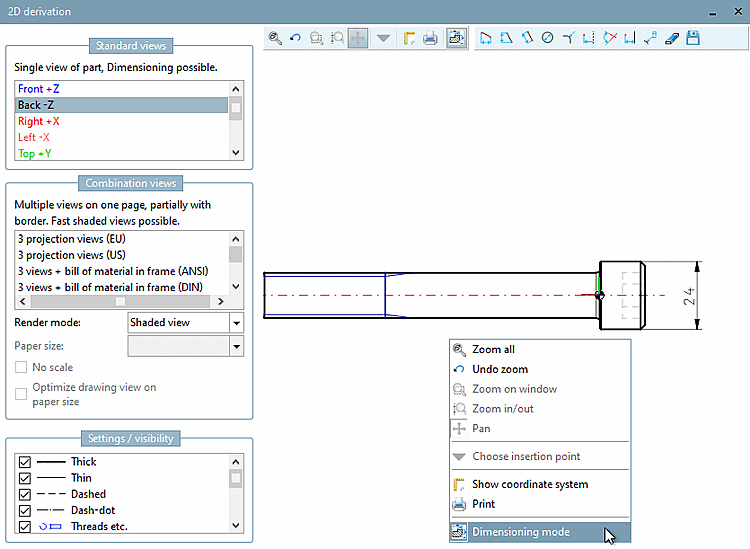
You can add a dimensioning to a 2D derivation directly before exporting.
![[Note]](images/note.png) | Note |
|---|---|
Detailed information on the single toolbar tools can be found under Section 7.9.3.15.3, “ Attributes -> Dimensioning mode ”. | |