Chapter 8.
PARTtemplateDesigner - Create data sheets
8.5.
"Layer " tab page/dialog window
|  |
| Prev | Next |
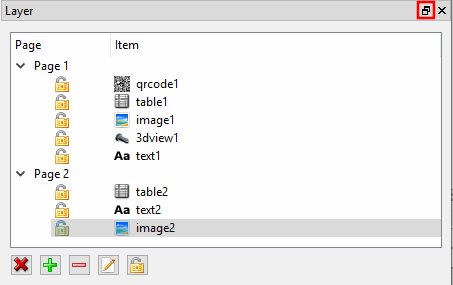
You can use the Layer dialog page either as a docking [tab page] or as a single window.
If you want to
release the docked window, then click on the icon top right
 .
.
If you want to dock the "free" window, hold down the mouse button and move it to the left or right edge of the window and release the mouse button at the desired position. If you position the Elements and Layers [Layer] dialog boxes next to each other, they are displayed as tab pages.
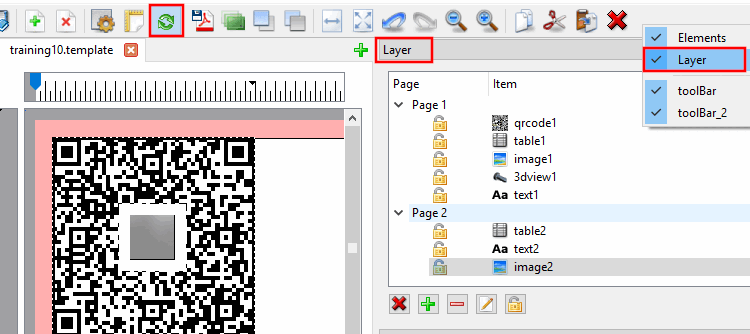
If the Layer tab page is not currently displayed, you can make it visible again as follows:
Each element (logo, derivation, technical views, table, etc.) is on its own layer. All elements used in the template are listed on the Layers [Layer] tab page. The order reflects the layer position. The further up a list entry is, the further forward the layer of the relevant element is.
You can perform the following actions on the Layers [Layer] tab page:
Select the
layer to be deleted (the element to be deleted) and then click on the
icon. You can perform the same action via the respective toolbar icon
 .
.
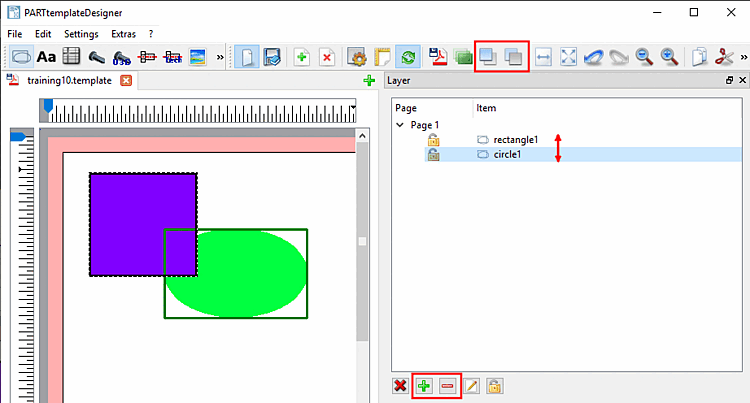
 Increase the layer of the selected element [Raises the layer of the chosen items]: You can perform the same action using the corresponding icon in the toolbar
  .
.
 Reduce the layer of the selected element [Lowers the layer of the chosen items]: You can perform the same action using the corresponding icon in the toolbar
  .
.
By clicking on the icons in the toolbar or on the plus/minus icons on the Layer tab page, the layer of the selected object can be moved forwards or backwards. The higher the entry in the list on the Layer tab page, the further forward the layer of the element is.
 Edit layer names/element names:
Select the desired layer and enter the new name in the Name dialog box.
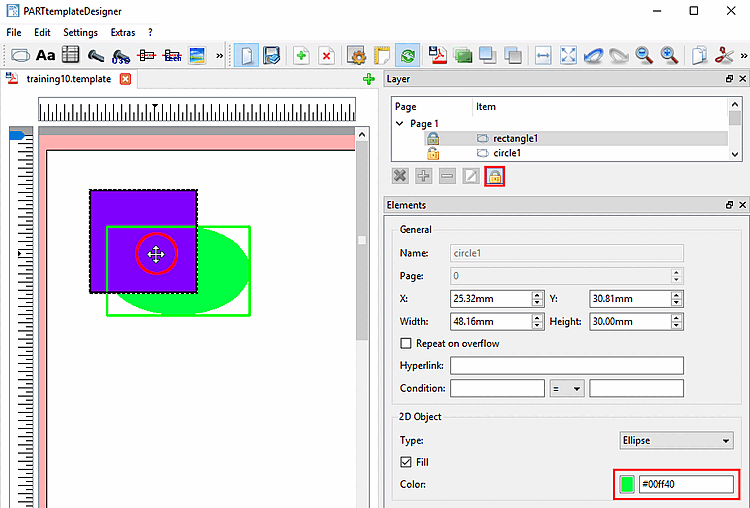
A locked layer cannot be used. Meaning that mouse clicks do not hit the locked layer, but click through the layer. If the cursor is moved over a locked element, the one behind will react.
Here the green rectangle1 is locked. Once the cursor is moved over, the blue rectangle2 behind is reacting (indicated by the light green marking frame).
The function can also be used, in order to protect a ready formatted element against further changes.