6.5.4.1.
Version management
6.5.4.1.4.
Check in project (give up editing rights)
|  |
| Prev | Next |
Project p23 should be checked in again after processing.
Select the context menu in the Check in project [Check in project (set read-only)] directory tree Check in project [Check in project (set read-only)].
| Starting point | Action | Result |
|
Check in project (give up editing rights) [Check in project (set read-only)] |
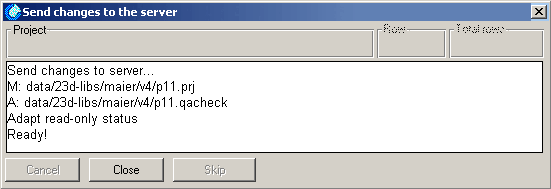
The Changes to server [Send changes to the server] dialog box shows the progress of the action.
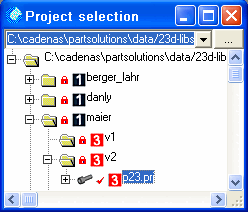
Once the action has been completed, the lock symbol appears again on the p23 project.
![[Note]](images/note.png) | Note |
|---|---|
When you give up editing rights, the project or directory is automatically uploaded to the server. Compare [Compares] Section 6.5.4.1.5, “ Upload changed files in the project to the server ”. | |