6.4.
QA status and version management icons
6.4.1.
QA status symbols
|  |
| Prev | Next |
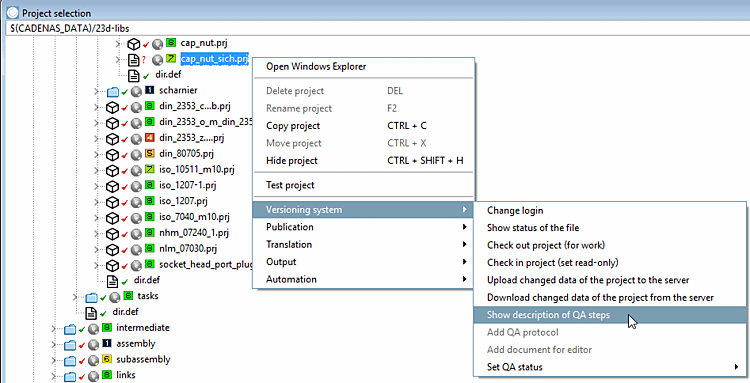
On each directory level, the context menu command Show description of QA steps is available.
-> The Legend dialog box opens.
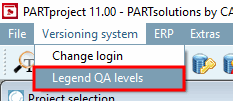
You can also access the same dialog box via Version management menu [Versioning system] -> Legend Q [Legend QA levels] A levels.
| Not yet released | |
| Released for editing (by customer) | |
| Editing | |
| Validated by editor | |
| Automatic test passed | |
| Validated by external QA | |
| Validated by internal QA | |
| Validated by customer |
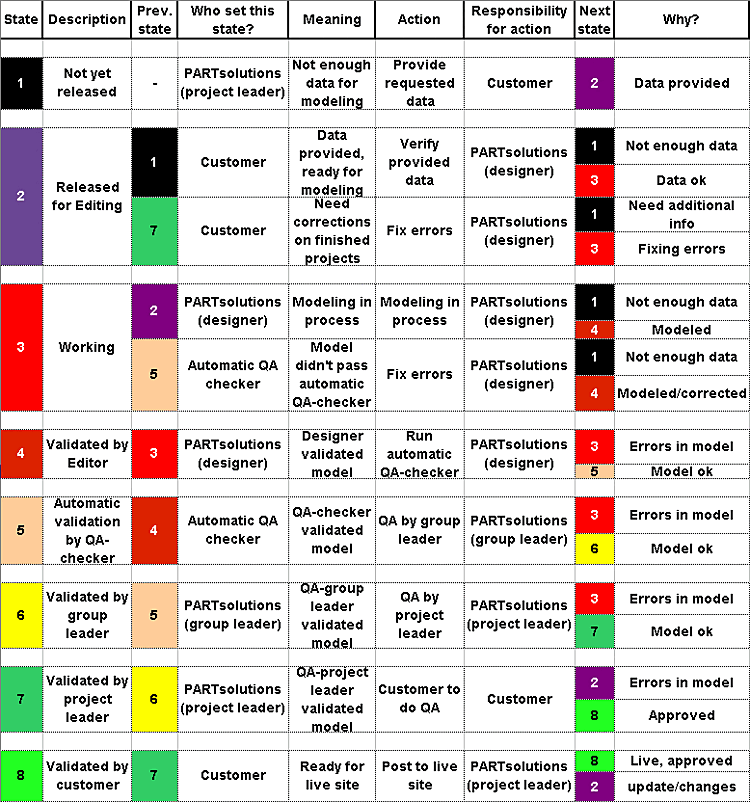
The QA status levels show the progress of the project and indicate whose turn it is!
The following list shows the processes in the assignment of client - CADENAS. The detailed evaluation using the history analyzer can be used to determine exactly which project was in which QA stage and for how long. See Section 6.9, “ History analyzer ”.
The following table shows when it is each person's turn according to their role and what options are available for changing status.
In stages 1 and 7, for example, it is the client's turn alone.
Changes from level 4 to 5 are set by an automatic test.
In levels 2 to 6, the ball is in CADENAS 's court.
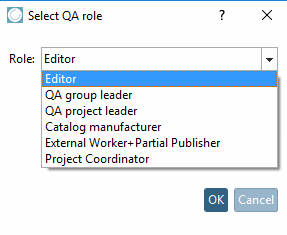
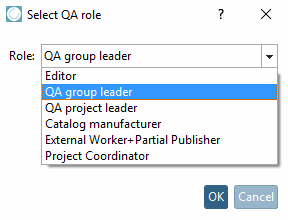
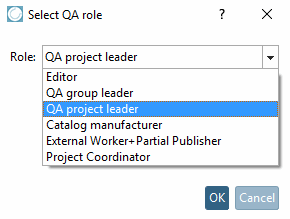
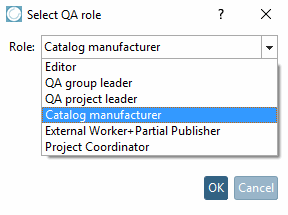
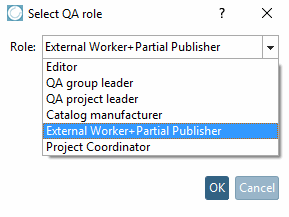
As the "Responsible for action " column shows, there is a role dependency:
Processor = eCATALOG 3Dfindit (Designer)
QA group leader = eCATALOG 3Dfindit (group leader)
QA project manager = eCATALOG 3Dfindit (project manager)
External worker+Partial Publisher (special case, not part of above matrix)
| ||||
| ||||
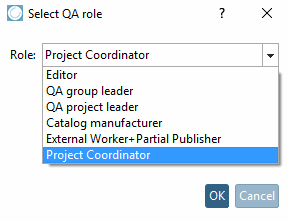
The role "Project Coordinator" is only available for a narrow circle of people. It enables special settings and error corrections.
![Dialog window legend [Legend]](resources/img/img_6ec748bd51f7480482c58da3312a2da7.png)


![[Note]](images/note.png)