5.9.2.8. Menu item: Render properties
5.9.2.8.4. Detailed example of the Render Material function
|  |
| Prev | Next |
5.9.2.8. Menu item: Render properties
5.9.2.8.4. Detailed example of the Render Material function
| |
| Prev | Next |
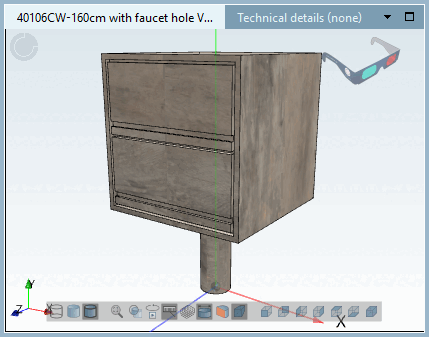
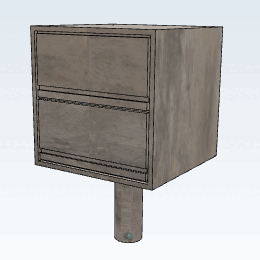
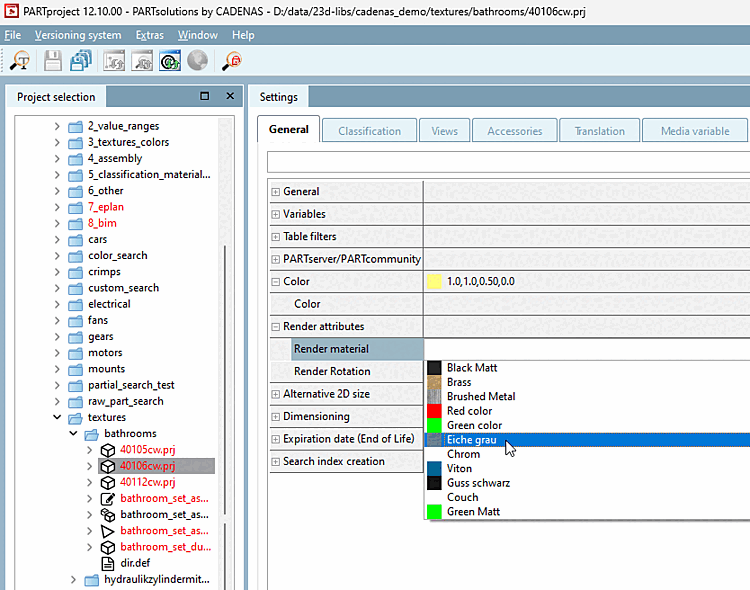
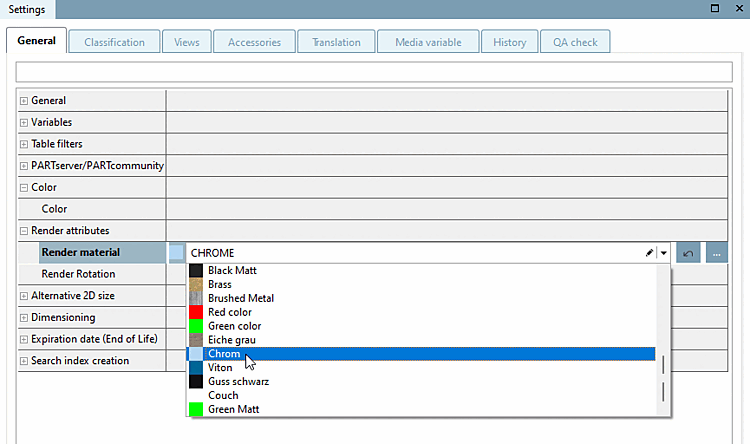
The functionality shall be clarified with the help of a small example. A part shall be equipped with the texture "Eiche grau / Oak gray".
Under PARTproject → Edit project → Tabbed page General → Render properties [Render attributes] → Render material, select the render material for the selected component in the list field.
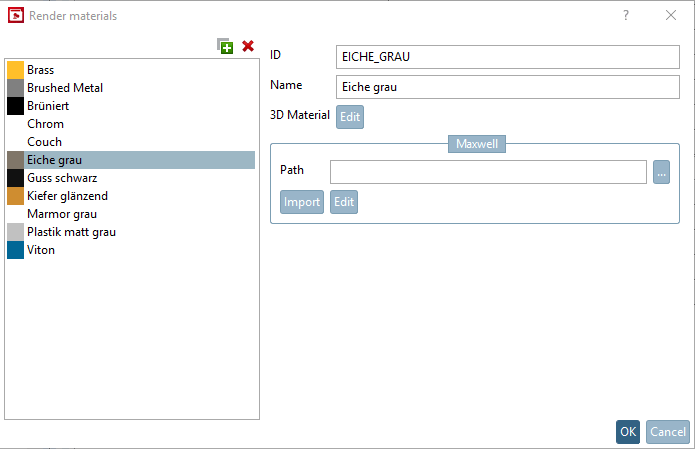
Under Render material, click on . to open the Render materials dialog.
The color and the name of the material are shown in the overview of the defined render materials.
When clicking
on  you can create and specify any number of new
render materials.
you can create and specify any number of new
render materials.
| ||||
→ The Edit material for 3D preview dialog box opens. If necessary, make the desired changes.
→ The newly created or changed materials are now also available in the list field under Render material.
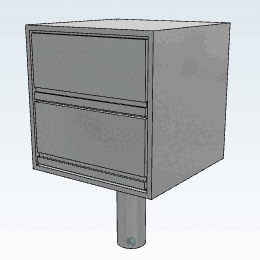
Test the part in 3Dfindit / PARTdataManager.
![[Note]](images/note.png)
!["Edit material for 3D preview [Edit material for 3D preview] " dialog box](resources/img/img_23e5fabd946649d3ad34d381a910e3cc.png)