5.8.2.1.19.
Output
5.8.2.1.19.5.
Create previews per line
|  |
| Prev | Next |
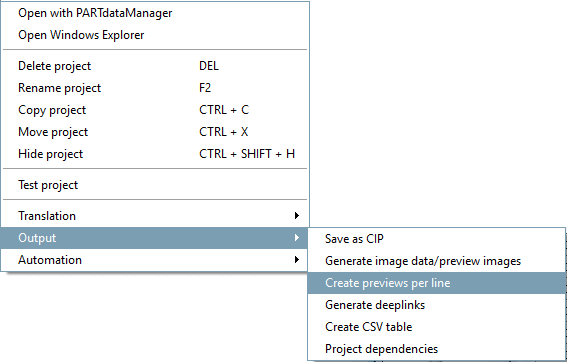
If you want to provide different preview images for each line in projects, you can achieve this with the context menu command Generate preview images per line [Create previews per line] (value range fields are not taken into account).
Whenever parts of a project differ not only in size but also in form this is a great advantage.
Now, in the search results, you can recognize small differences already in the preview image, what makes part selection without large 3d preview easier.
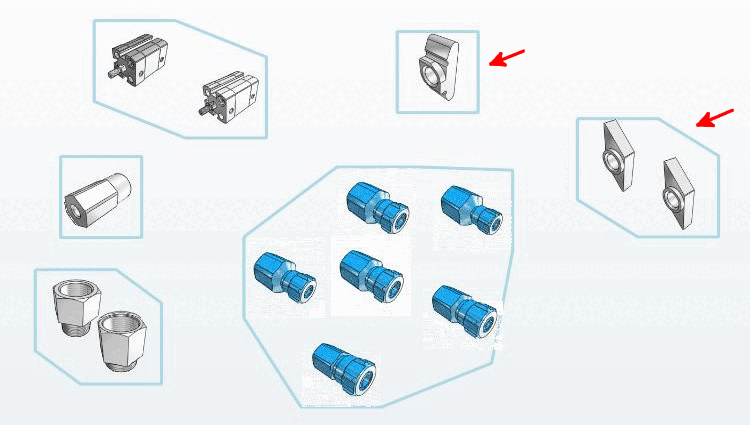
The display in the CloudMap also benefits: the sliding blocks at the top and top right would otherwise have ended up in just one cluster.
The function is also available in Cloud Navigator, Reports and Component Comparison.
Preview images are generated in PARTproject generated. The standard command for this is still Generate [Generate image data/preview images] image data/preview images. See Section 5.8.2.1.19.4, “ Generate image data/preview images in batch run ” image data/preview images.
To generate the preview images per line, use the command Generate preview images per line [Create previews per line].
Since all graphics should have the same style no settings dialog is displayed at this place and the generation starts at once. When using a 64bit PARTproject the generation happens in several threads in parallel, what results in considerable time savings (especially for large catalogs).
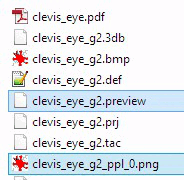
Through the generation two additional files are created per project (.prj):
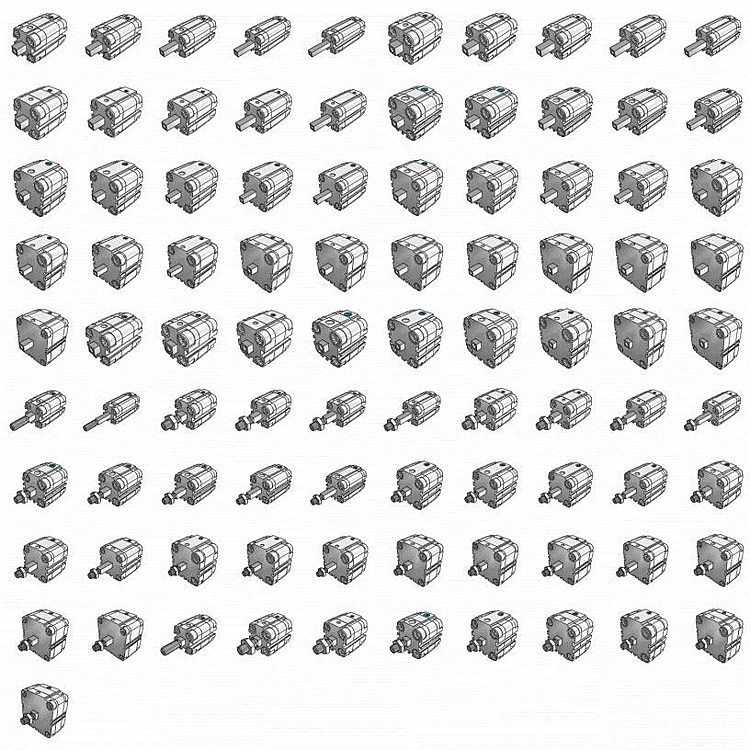
All preview images are arranged in one single png overall image. So less memory space is required.
Preview images are created with transparent background.
Before publishing the preview images have to be created anew, whereby, thanks to GEOMDATE only the changed geometries are created. The QAchecker checks whether all preview images are up-to-date.
Compatibility with older versions of ENTERPRISE 3Dfindit is guaranteed, as the new files are simply not used in this case.
![List of characteristics under "Search results [Search results] "](resources/img/img_f7909a9b13154da885a057ac7d1153c4.png)
![[Note]](images/note.png)