Chapter 7.
PARTdesigner
7.12.
Docking window " Table "
|  |
| Prev | Next |
![[Note]](images/note.png) | Note |
|---|---|
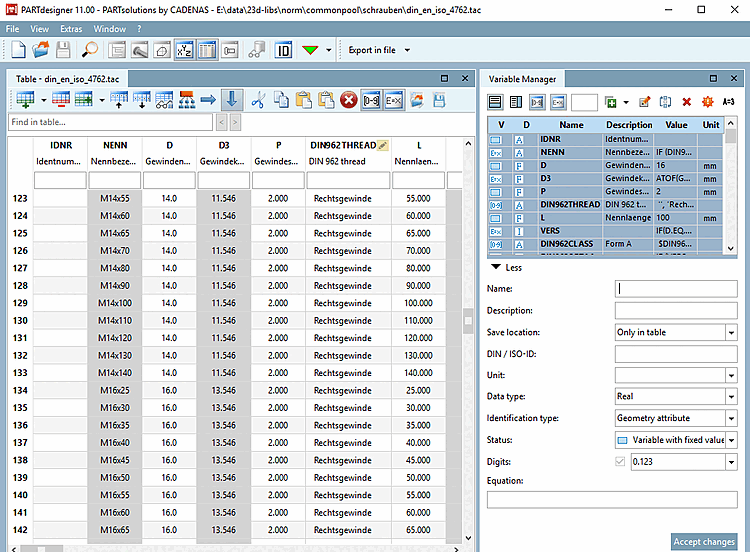
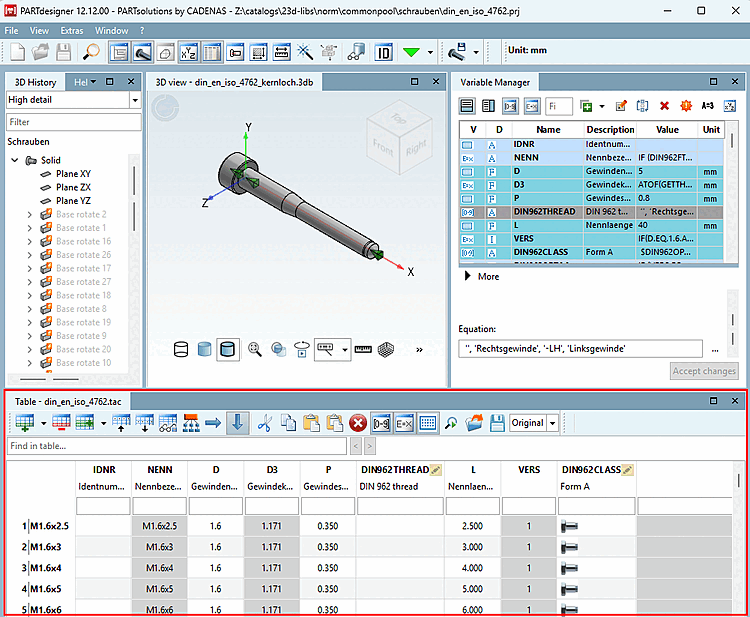
The illustration above shows the "Table" docking window. Not all workspaces are required at the same time. Design the user interface as desired.
| |
If you open the PARTdesigner in the File menu [File] or load a tab/tac file via Open, the Table docking area (next to the variable manager [Variable Manager] ) automatically receives an enlarged workspace. Further docking windows are generally not required here.
You can perform a full-text search in the table using the Search in table [Find in table...]... input field. (Values "hidden" in value range fields are not found)
A small example on this can be found under Section 7.5, “Create table: Small example from A to Z ”.
In the table, you can find the following commands as buttons.
![Standard toolbar [Default]](resources/img/img_6429042e84fc40e4be8f3f61a255c323.png)


![View menu [View]](resources/img/img_04a725c7d1e14e5cbee81310c462562d.png)