7.12.
Docking window " Table "
7.12.10.
Copy
|  |
| Prev | Next |
Copy
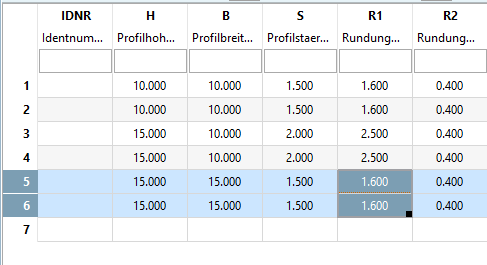
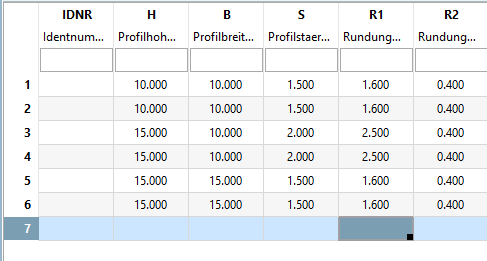
 creates a copy of the current selection (rows or cells). This copy can be copied by inserting [Insert]
 or overwrite [Overwrite]
 at any other position.
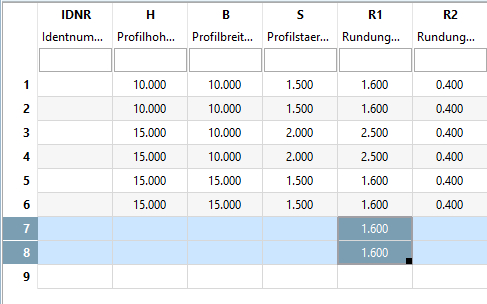
Instead of filling data manually, cells can be filled according to a certain pattern.
A sequence of the numbers "1,2,3,4,5" is logically continued.
A sequence of the numbers "1,2,4,5" is copied in blocks.
There are cases where both a logical continuation of a sequence of numbers and a copying as block may make sense. With pressed Ctrl key the marked block is copied, without Ctrl key the sequence of number is logically continued.
Without holding down the Ctrl key:
-> The sequence is continued by adding 90 in each step.
-> The sequence is continued by copying the marked block:
![[Note]](images/note.png)