1.5.
PARTdataCenter: Reference / General functions 1.5.3.
PARTapplicationServer Dashboard - Tasks
|  |
| Prev | Next |
1.5.
PARTdataCenter: Reference / General functions 1.5.3.
PARTapplicationServer Dashboard - Tasks
| |
| Prev | Next |
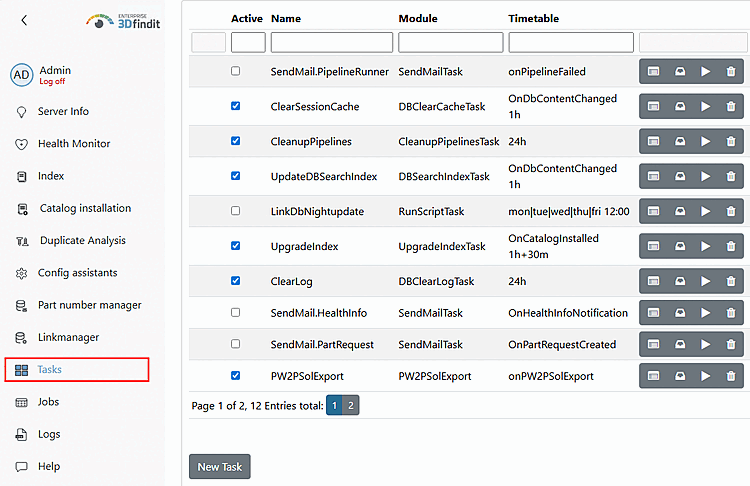
In the PARTapplicationServer Dashboard you can select preconfigured tasks directly via GUI or load corresponding vbb scripts.
You can also execute scripts directly from the task list once by clicking on the arrow button. A time or interval does not necessarily have to be set.
| ||||
![[Note]](images/note.png)