1.6. CAD
encompassing reference of all menu commands
1.6.13. LIVEsearch
|  |
| Prev | Next |
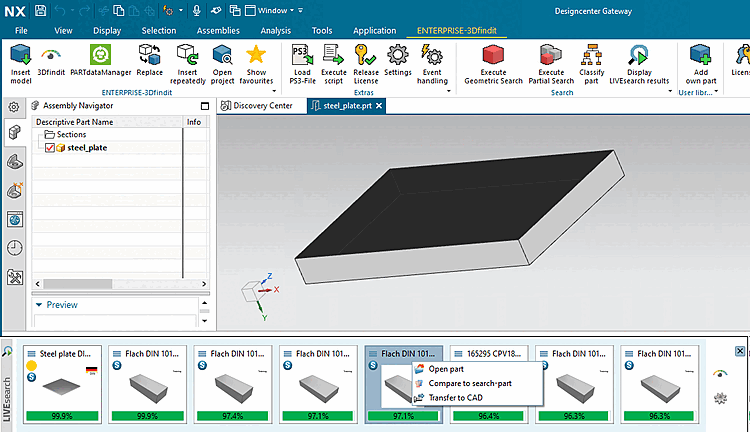
When LIVEsearch is activated, the model is scanned on the fly in the background during the modeling of an individual part and geometrically similar parts are filtered from the set search area and displayed in the LIVEsearch pop-up window[23]
In this way the modeler gets information on already available parts for a possible reuse or on adequate supplier parts.
Automatic call-up of LIVEsearch
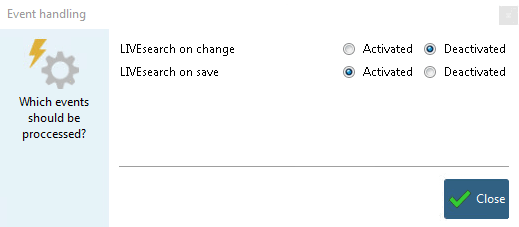
Click on the button  Event handling.
LIVEsearch on change: New search on model change. You can fine-tune the update frequency using the config file, see here.
The best result part can be automatically loaded into the component comparison [Part comparison]. See here.
Independent of the set search mode, you can call the LIVEsearch manually anytime.
To do this, click on  Show results of the LIVEsearch [Display LIVEsearch results].
Display position of LIVEsearch: The LIVEsearch is displayed on the very bottom in the CAD system. However, you can freely move the bar on the desired position. When double-clicking, the bar returns to its origin position.