2.1.6.7.1. Display
mode
2.1.6.7.1.3.
"Symbols " Display mode
|  |
| Prev | Next |
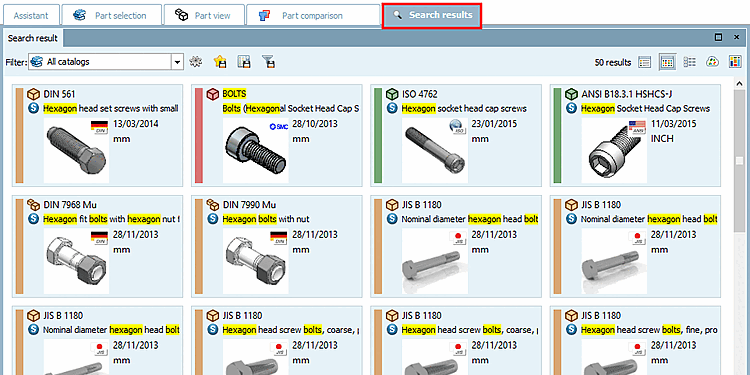
In mode  Symbols mode, large preview images and the most important information are displayed.
Mouse over the preview image to display a tooltip with a 3D view [3D view] + technical information [Technical details], see above.
![[Note]](images/note.png)


