2.7.3.5. Search and
analyze clustering results 2.7.3.5.4. Check Parts in View Mode |  |
| Prev | Next |
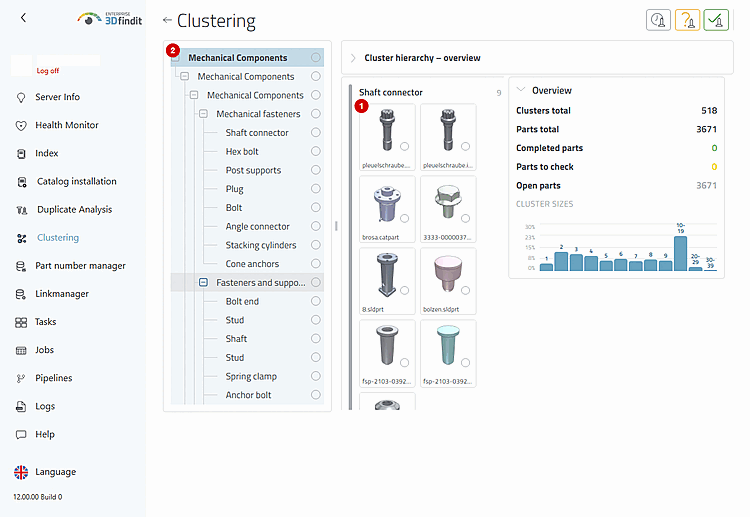
You open a single part from a saved clustering without activating an editing function from clustering-edit. This allows you to check parts while the clustering result remains unchanged .
The part tiles provide read-only access to the source part. When you activate a tile, the part opens in the host environment, while the clustering result remains available for further review.
In view mode, a single mouse click opens a part directly. For users who are used to double-clicking, double-clicking is also available. Use the keyboard to select a tile and open it by pressing the Enter key.
The results cards remain available for viewing while their tiles link directly to the individual section .
Part Inspection – Enabling Tiles in View Mode
The administrator opens a part for inspection, while the saved clustering, inspection status, and hierarchy remain unchanged.