5.14.1.2. Create ERP
number with 3Dfindit / PARTdataManager 5.14.1.2.2.
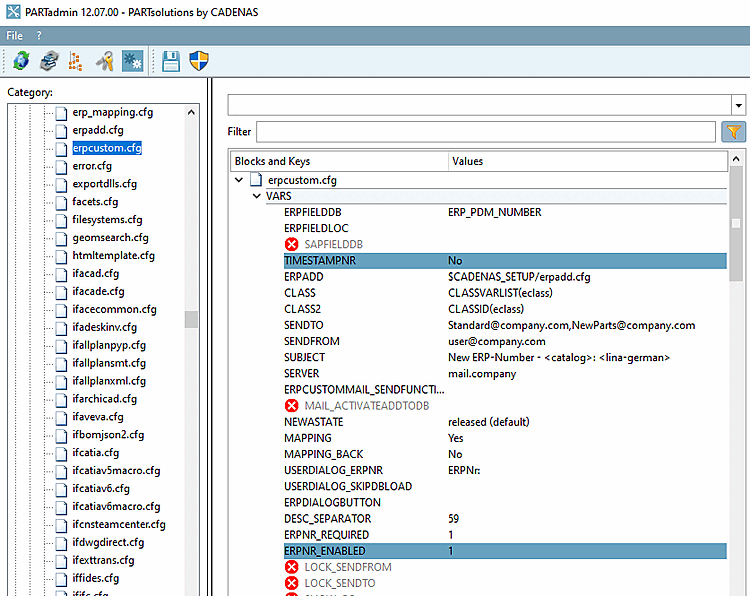
Create timestamp ERP number yes/no
(PARTdataManager)
|  |
| Prev | Next |
5.14.1.2. Create ERP
number with 3Dfindit / PARTdataManager 5.14.1.2.2.
Create timestamp ERP number yes/no
(PARTdataManager)
| |
| Prev | Next |
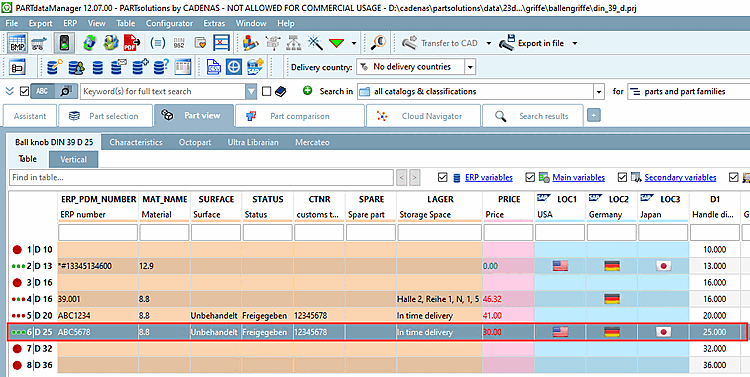
Select in PARTdataManager in the parts view, select a line without ERP_PDM_NUMBER and click on Add data record to link database [Add dataset to link database]
 .
.
-> The New Ident Number [new ident-no.] dialog box opens and the ERP No. [ERPNo] input field is active.
Enter the desired number under ERPNo. [ERPNo]
Fill in the remaining active fields and confirm with .
-> The dataset is displayed with the desired ERP_PDM_NUMBER.
![[Note]](images/note.png) | Note |
|---|---|
The method for 3Dfindit works differently. See Section 5.14.1.2.1, “Create timestamp ERP number yes/no (3Dfindit) ”. | |
![New Ident Number [new ident-no.] dialog box](resources/img/img_13997648fdb04e8a9e7004b34d1b6e3b.png)