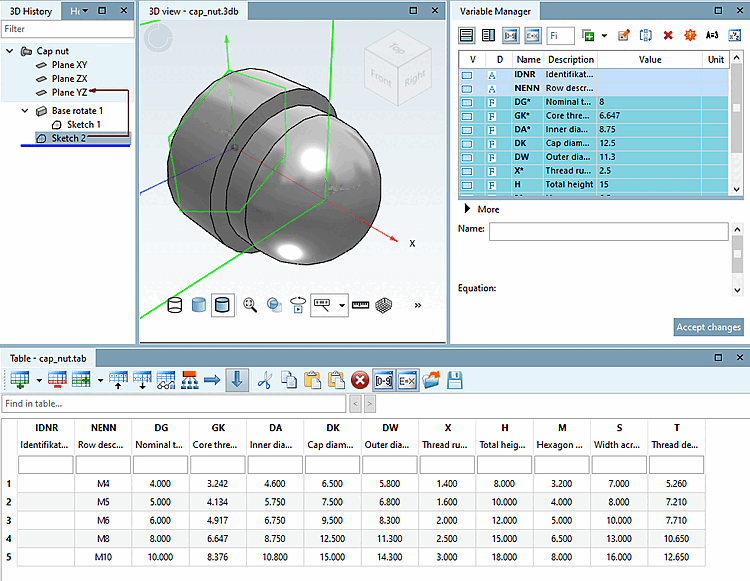
To complete Sketch 2, click on the Apply changes [Accept changes] button.
-> The view switches to the 3D view workspace.
Sketch 2 now lies on the base of the cap nut body.
 .
.