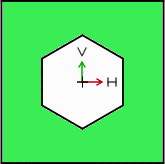
2.8.2. Sketch 2 - Hexagon cap nut
To
create the hexagonal cap nut, you have to create a further sketch, which
covers the head cap raw body as template and removes the
overlaying material.
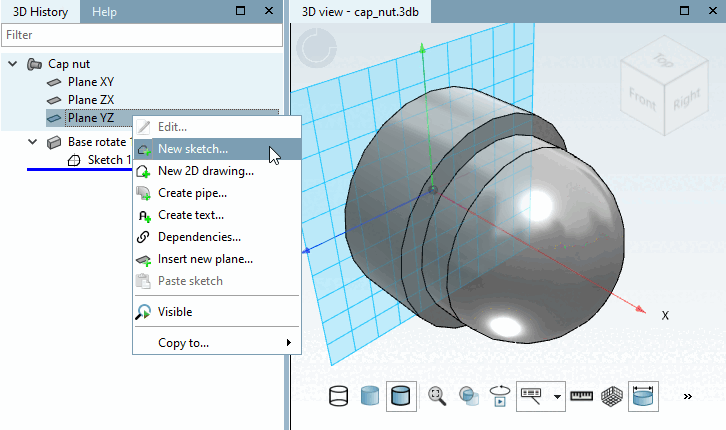
Choose Plane YZ for sketch 2:
In the 3D History dialog area, click on Plane YZ with the secondary mouse button.
In the context menu, select the command New sketch.... [New sketch...]
-> The view switches back to the Sketcher.