5.10.2.1.
Create new 2D drawing
5.10.2.1.2.
Save drawing |  |
| Prev | Next |
You have two options for saving the drawing:
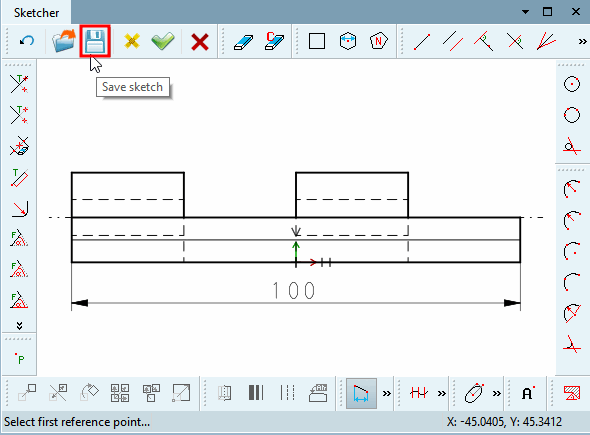
Click on the Save sketch button.
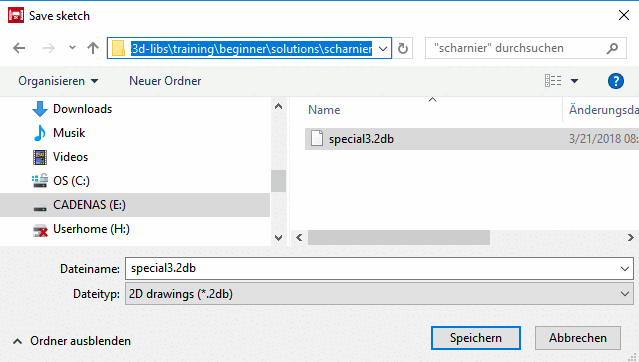
--> The same named window opens.
Save the new drawing as a .2db file in the corresponding project directory.
Save drawing within the .3db file
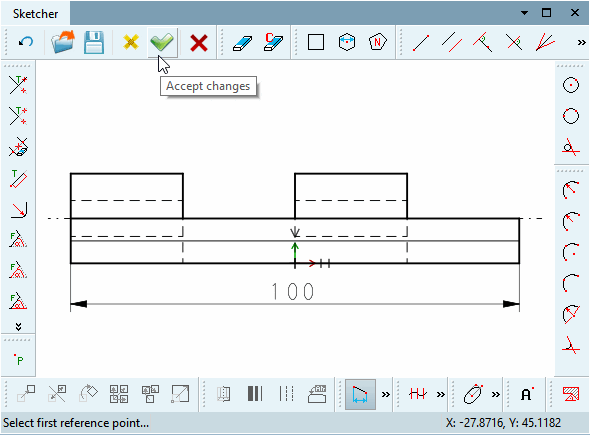
As soon as you click the Apply changes [Accept changes] button, the drawing is saved internally in the .3db file.
If you selected a standard view in the New 2D drawing dialog box, this will be overwritten.
|
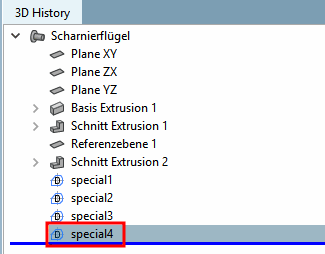
If you had chosen the "USER" view and assigned your own name, it will now be shown in the history (in this example "special4"). |
|