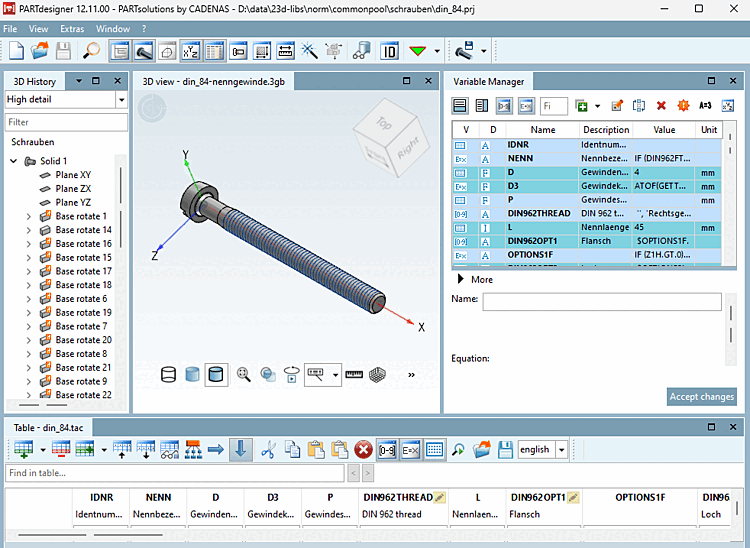
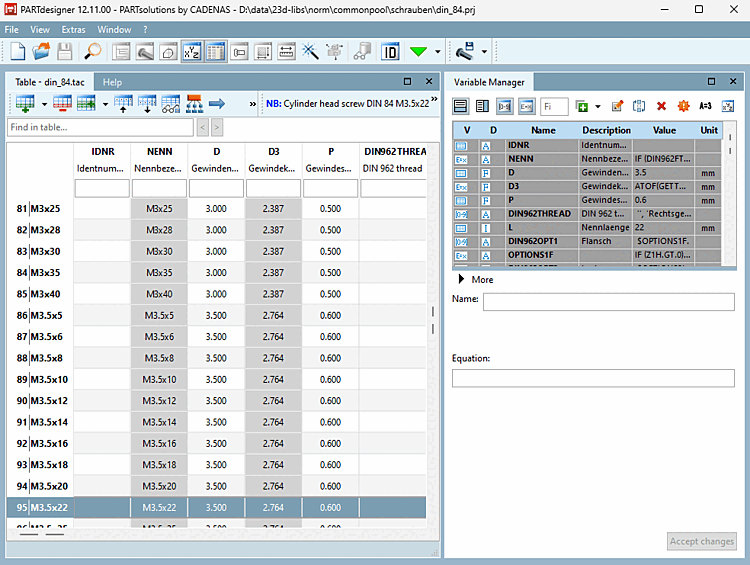
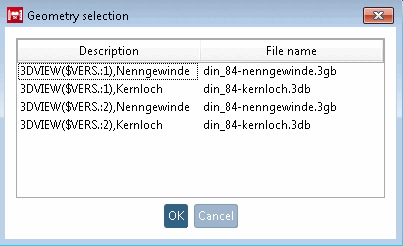
If the QA mode is active (PARTproject → Extras → Settings... [Preferences...] → General → Activate QA
), direct opening or creating of files in PARTdesigner is not allowed. Editing must be started via PARTproject. In QA mode, the menu items and buttons New, New table and Open remain inactive, or a corresponding message appears. |

 button or the File → Open menu command to create different file types
open:
button or the File → Open menu command to create different file types
open:
![[Note]](images/note.png)
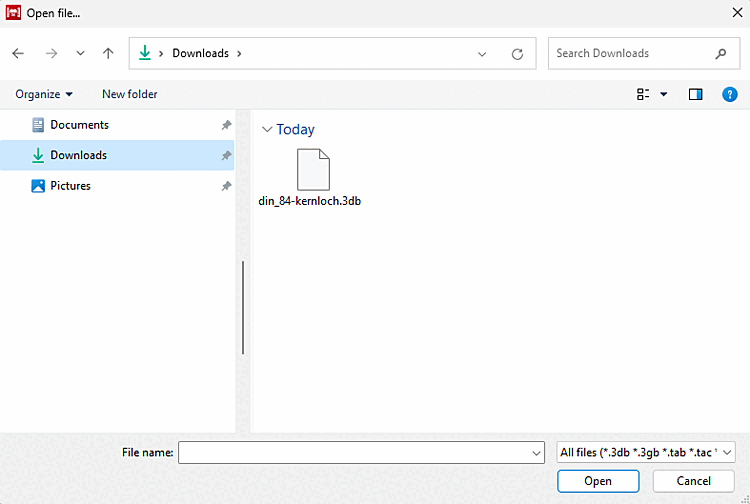
![[Caution]](images/caution.png)