Chapter 8.
PARTtemplateDesigner - Create data sheets
8.2.
Open existing catalog template
|  |
| Prev | Next |
In order to open an already existing template, you have different options:
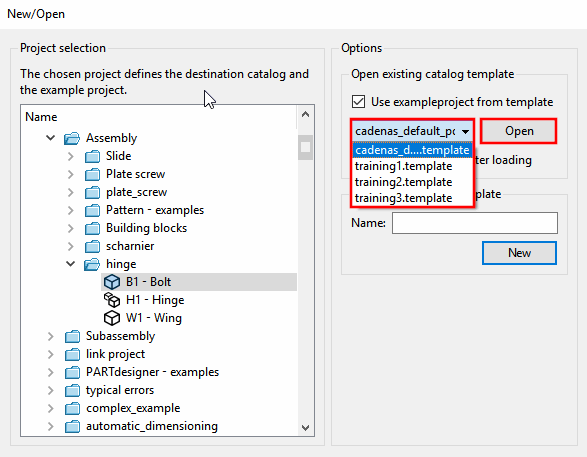
Selection via File menu [File] -> New -> New/Open dialog box -> Open existing catalog template -> List field selection -> :
(A project must be selected under Project selection )
| ||||
![[Note]](images/note.png)