5.8.2.2. Context menu of the project level
5.8.2.2.6.
Rename project
|  |
| Prev | Next |
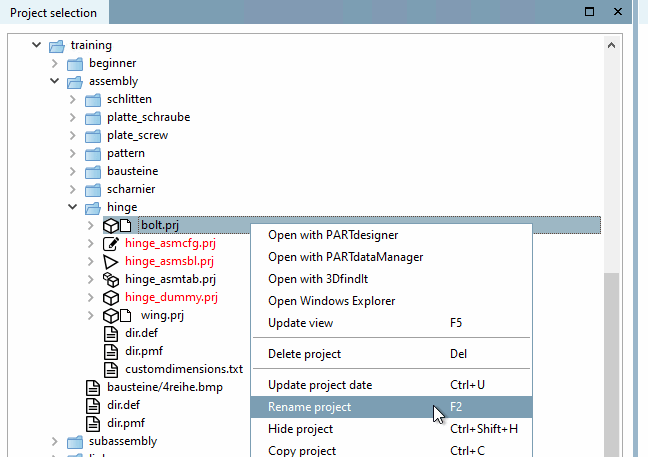
Select the desired project file and click on the context menu command Rename project.
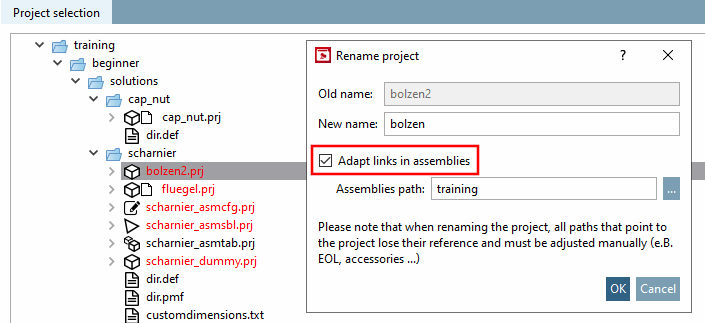
Enter the desired name under New name.
If the projects are not part of an assembly, deactivate the option Adjust references in assemblies [Adapt links in assemblies] (if set).
| ||||
→ The project file is renamed.
→ All sub-files, such as *.3db-, *.tab-, *.tac-, etc. are renamed at the same time as the project name. This ensures that project-internal assignments are maintained.
![[Caution]](images/caution.png)