6.2.
3D view
6.2.3.
Toolbar |  |
| Prev | Next |
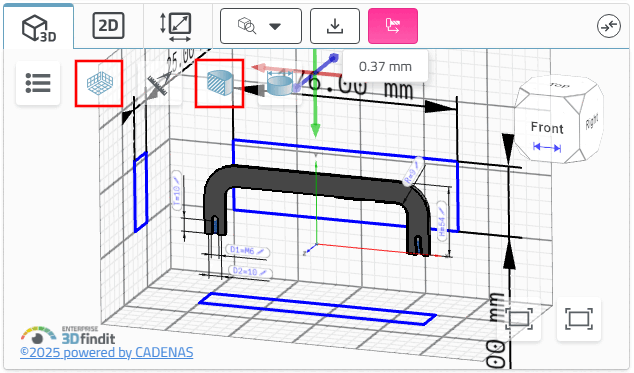
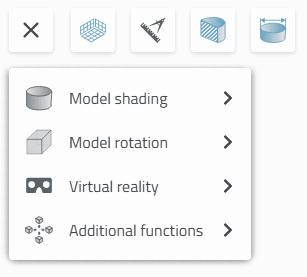
In the default state, the toolbar shows the main functions.
The figure shows the measurement grid [Measuring grid]
 and section [Cut]
 .
.
Section [Cut]
: Click on the corresponding axis (green,
red, blue) that you use to move the section
want.
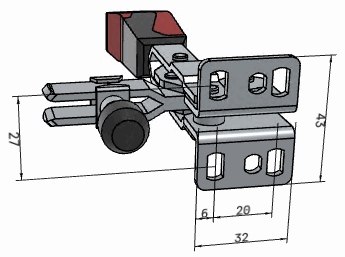
Dimensions
Show [Show Dimensionings]
 : Don't show all views
Dimensions.
: Don't show all views
Dimensions.
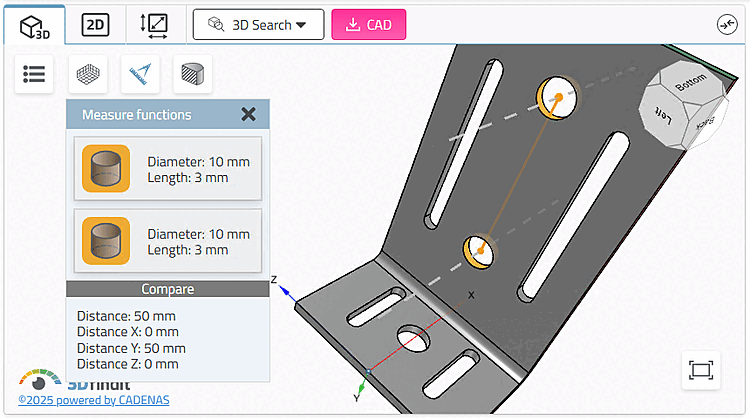
Measuring tool [Measure functions]
 : Choose up to two
Topologies to view their dimensions [Select up to two topologies to display their measurements]
: Choose up to two
Topologies to view their dimensions [Select up to two topologies to display their measurements]
 By clicking on the first button on the left, further
buttons/functions.
By clicking on the first button on the left, further
buttons/functions.
![[Note]](images/note.png)