3.5.1.1. Placement Dialog Details
3.5.1.1.5. "Touch
Surfaces"
|  |
| Prev | Next |
As soon as
In 3Dfindit, click the To button
Transfer CAD [Export to CAD]
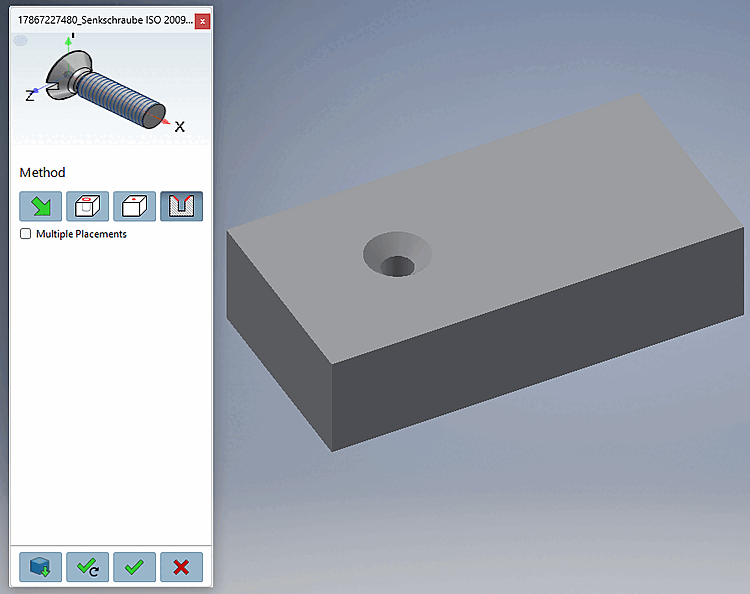
 , the view switches to CAD and the
3Dfindit placement dialog opens.
, the view switches to CAD and the
3Dfindit placement dialog opens.
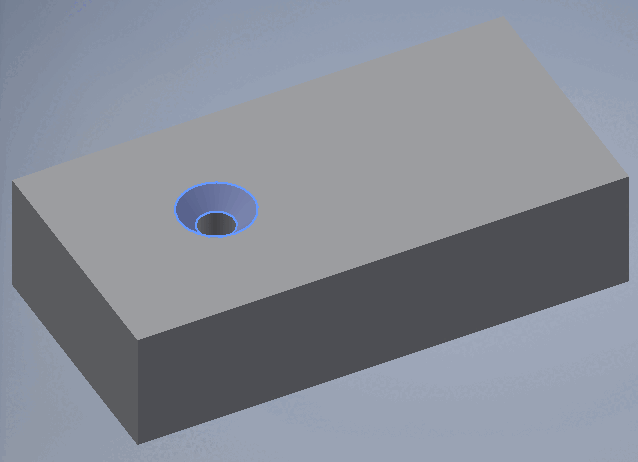
Select a surface that should coincide with the selected placement surface [Select coincident placement face].
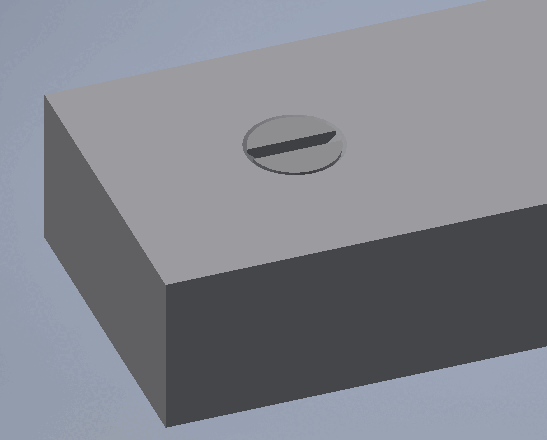
Click Place once
 or Multiple
Place [Place multiple]
or Multiple
Place [Place multiple]
 .
.
Optionally, make additional placements or close the placement dialog

| Open: The part is opened in a separate CAD window. |
|
| Place Multiple Times [Place multiple] (and Keep the Dialog Open) |
|
| Place once (and close the dialog box) |

| Close dialog (without placement) |
![[Note]](images/note.png)