|
|
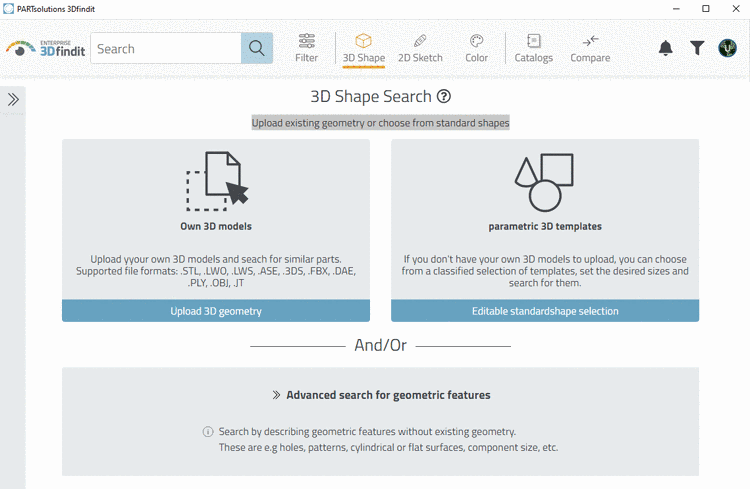
Upload existing geometry or choose from standard shapes.
Via , upload the file or drag it into the field.
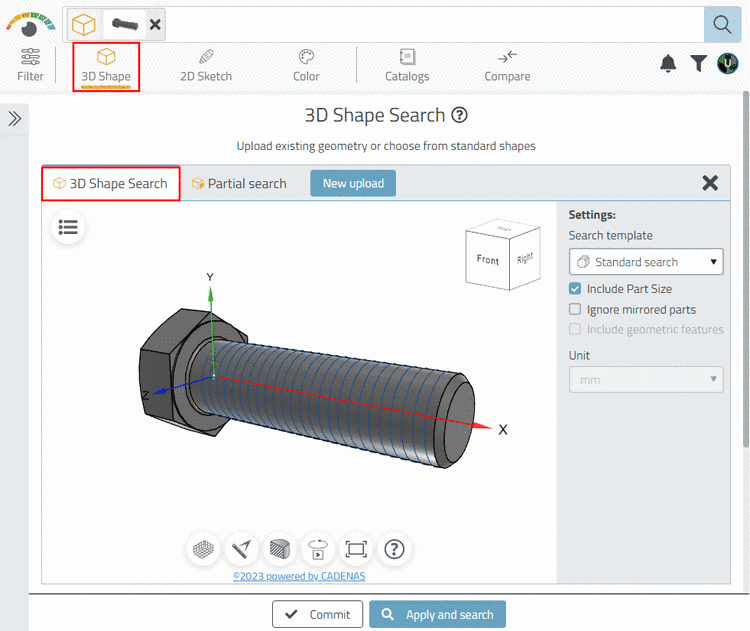
-> The settings area is opened.
Similarity: Determine how similar results should be in comparison to the original.
If the option has been set, some results may not occur in the result list, even though they are geometrically similar, however, have other sizes.
When activating, the right result will not occur.
Include geometric features: If a part has features not relevant in comparison to the total size, these will get a higher weight when activating the option.
a) This may lead to an exclusion of parts (if features differ) or b) to a higher ranking (if the basic shape is not very similar, but the geometrical features are).
|
|
|
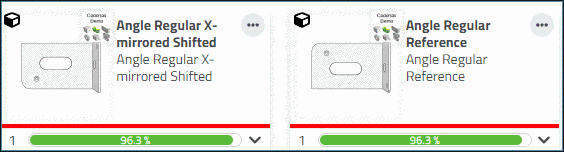
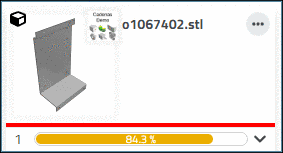
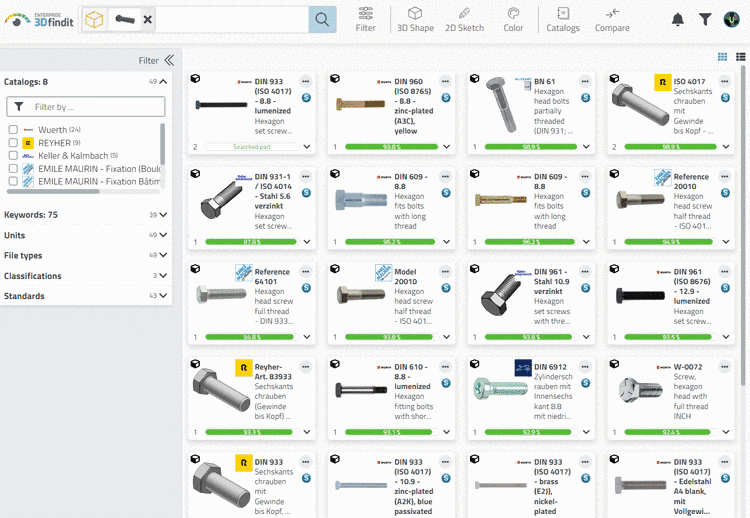
-> Results within the set similarity are found and displayed.
-> In the search field, the search parameter (or multiple) is displayed.


![[Note]](images/note.png)