2.2.6.
Table view
2.2.6.1.
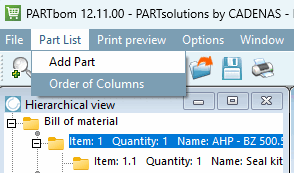
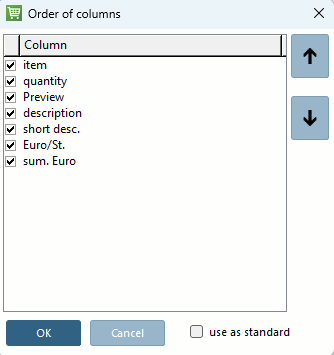
Menu item Column order
|  |
| Prev | Next |
Use as default [use as standard] specifies whether the currently set sequence and selection for this form type (e.g. "Neutral") should be used as the default setting for files created in the future.
![[Note]](images/note.png)