2.1.6.4.2. Filter (Faceted
search)
2.1.6.4.2.1. Example of the facet filter |  |
| Prev | Next |
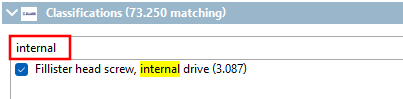
A cylinder head screw is required:
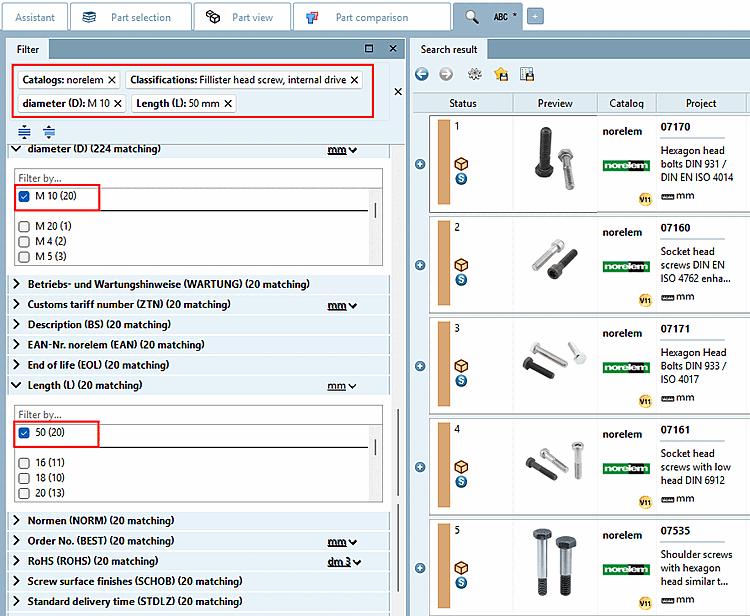
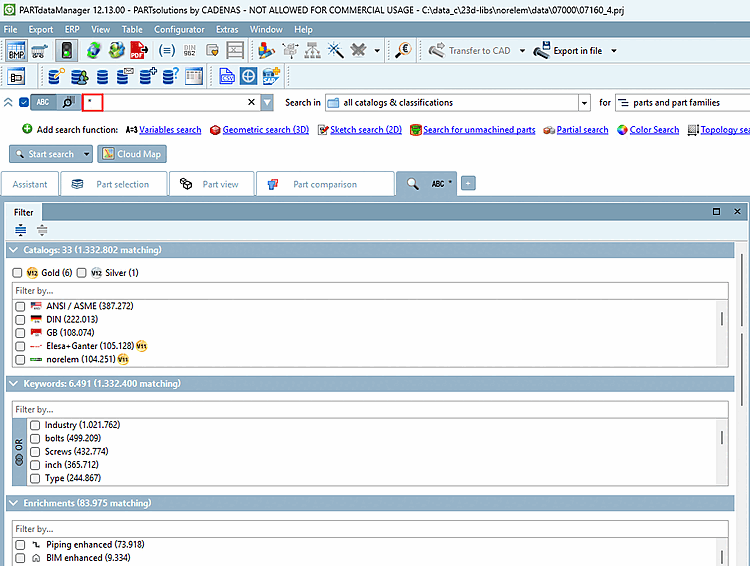
-> After setting the first filter, the Filter docking window is displayed on the left.
For example, set the following variable filters:
-> Products are now already relatively clearly specified.
-> The further you specify, the more variable filters may be displayed.
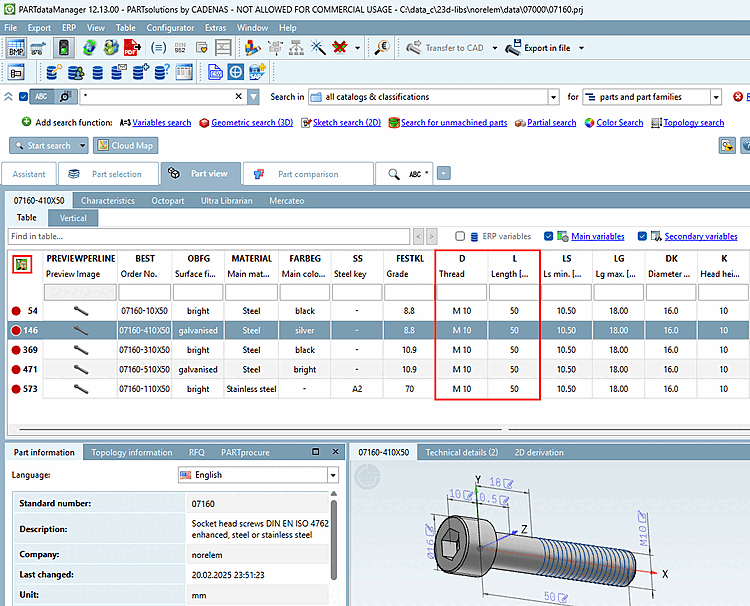
-> Only parts with the desired characteristic are displayed.
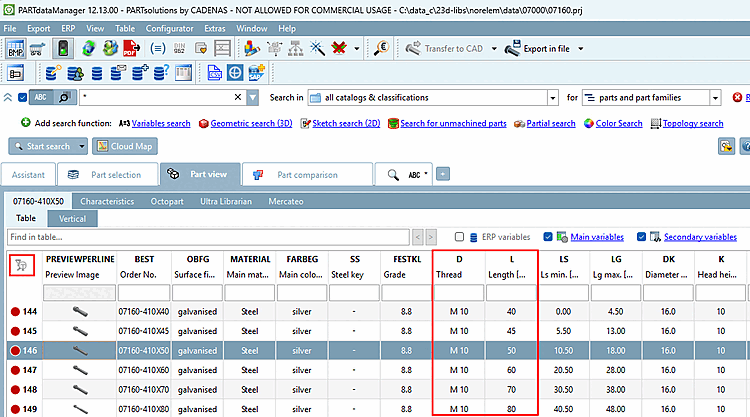
If you want to see all table rows, click on the icon  Search result filter on/off [Search filter on/off].
-> All
table lines are displayed and the icon appears grayed out
 .
.
![[Tip]](images/tip.png)