2.1.7.1.11. Filter
table
2.1.7.1.11.2. Filter table
via input fields in column header
|  |
| Prev | Next |
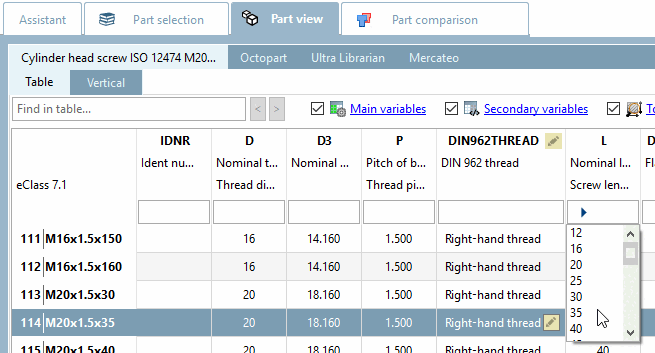
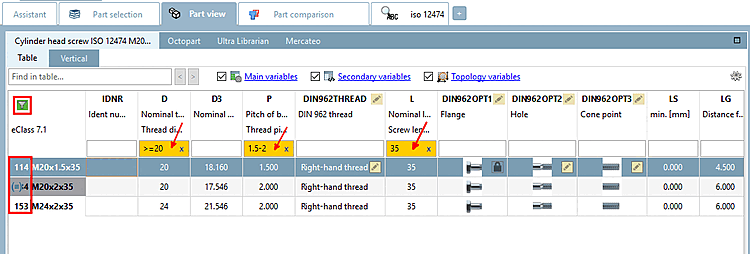
In the header of each column, input fields for filtering are displayed. With only a few entries the relevant rows are found.
Select single value in list field: Click on the arrow and then select the desired value.
Alternatively you can transfer a value into the input field of the corresponding column header by double-clicking on a certain field value.
You can also use the following syntax in the column header to filter the table:
![[Note]](images/note.png)
