2.1.
PARTdataManager
2.1.1.
Functional
range
|  |
| Prev | Next |
Below you will find a brief description of the most important features of PARTdataManager.
Large number of standard and catalog parts (company standards)
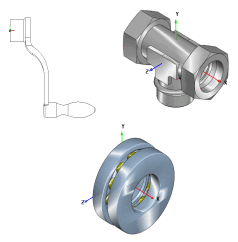
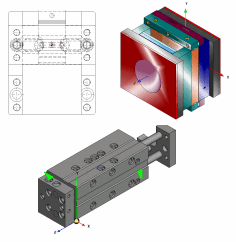
PARTdataManager includes a large number of standard parts (DIN, EN, ISO, ANSI, etc.) and catalog parts (company standards) that you can easily transfer to your CAD system drawings.
Due to the classic Windows Explorer structure it is even simple for newcomers to find their way around in the PARTdataManager. Extensive search functions (keyword search, geometric search, among others) support you in finding your desired 2D or 3D part (or assembly).
Every object can be viewed spatially detailed before being moved to the CAD system and then integrated.
Fully parameterized components
The standard and purchased parts within PARTdataManager are fully parameterized and take up very little memory space.
ERP/PDM integration possible at any time
3Dfindit/PARTdataManager basic functionality can be extended with ERP/PDM integration at any time.[26]
Direct export to CAD or export of various file formats
Parts can either be transferred to the CAD system via 3Dfindit interfaces or first saved to hard disk in various file formats and then imported into CAD. There they can be "further processed" like native CAD objects.
Assembly export with all sketches and single parts
The assembly is generated with all individual parts and transferred to the CAD system. This means that all sketches and individual parts remain available as such and can be individually edited in the CAD system.
[26] General information on Intelligent Parts Management can be found under Chapter 5, Strategic Parts Management in ENTERPRISE 3Dfindit (Professional) - Administration.
How the PARTdataManager interface is displayed under ERP/PDM integration can be read in the separate section Section 2.1.11, “PARTdataManager – ERP/PDM extensions ”.