2.1.9.2. Export 2D
formats
2.1.9.2.8.
Export options " tab page - SVG 2D |  |
| Prev | Next |
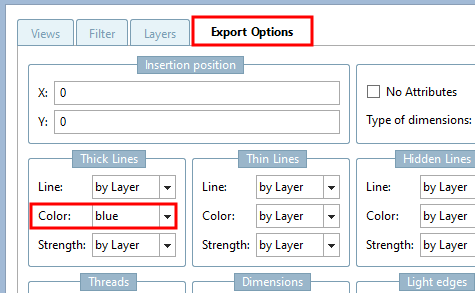
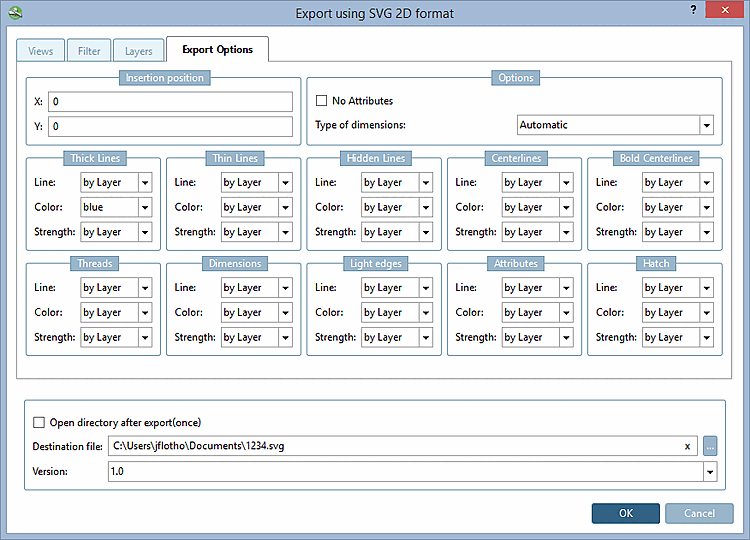
Insertion position: The insertion position in the CAD system can already be defined in 3Dfindit - provided your CAD system supports this function. Enter the X and Y coordinates.
Do not generate attributes [No Attributes] ...prevents certain attributes (e.g. texts from PARTproject) from being transferred to the CAD system during export.
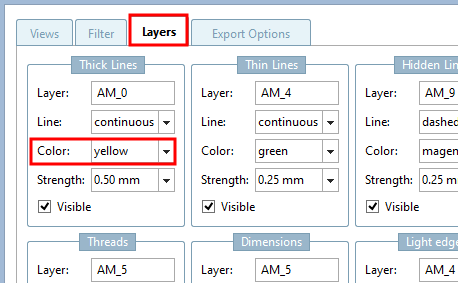
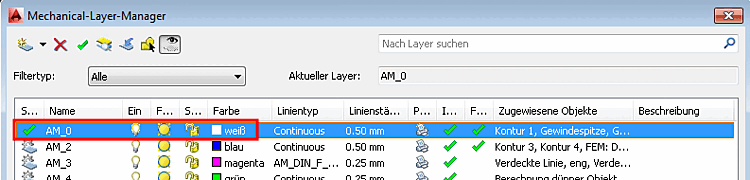
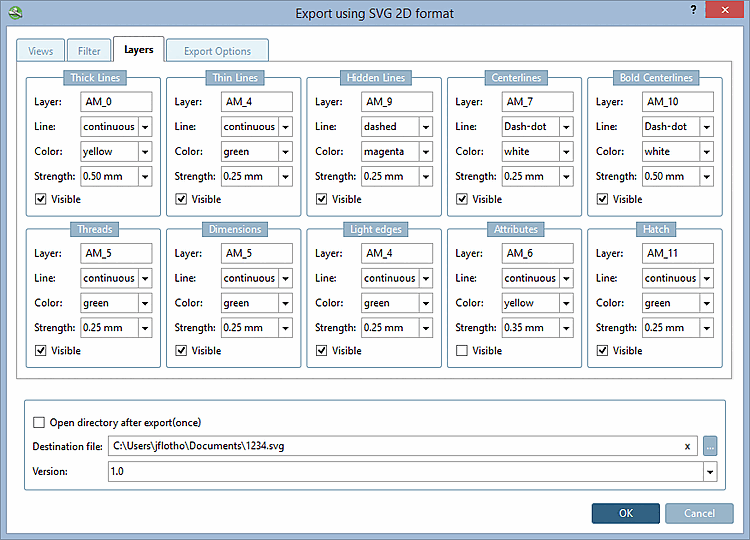
In addition to the option of specifying certain lines and colors directly, you can also make the color and line setting dependent on the layer setting in the CAD system. To do this, select the "by layer " setting.
![[Note]](images/note.png)