2.1.16.2.6.
Extras menu
2.1.16.2.6.11.
Settings...
|  |
| Prev | Next |
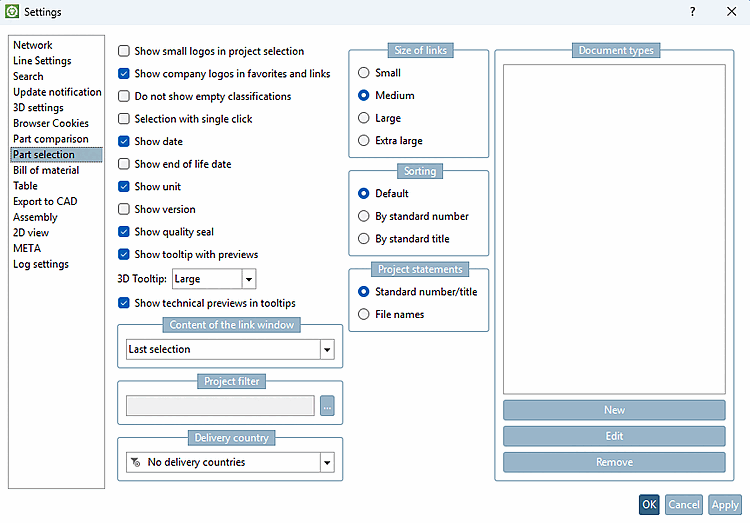
Via Extras menu -> Settings [Settings...]... to open the dialog box of the same name.
|
The Settings dialog page with all subpages (see adjacent list) is described in detail at Section 2.1.15, “ Settings... ”.
|
![Menu Extras -> Settings [Settings...]..](resources/img/img_a36e7cd1b15e4a888bcb31bee46ee258.png)
![[Note]](images/note.png)