3.3.6.1. Block
[CreationOptions(is3d)] 3.3.6.1.7.
Key
"MATERIAL_DEFAULT_APPEARANCE" |  |
| Prev | Next |
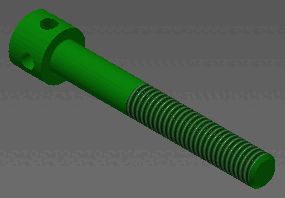
In Inventor, material and appearance of the material is handled separately.
If the key MATERIAL_DEFAULT_APPEARANCE is set to a correct value, known in Inventor, then the appearance is according to this value.
"Flat - Polished Gray" is the Standard Inventor Appearance.
"Dark green" would work as well, for example.
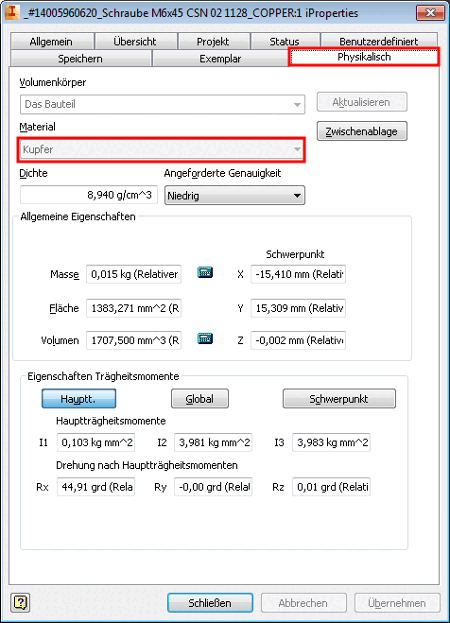
The material is displayed in the dialog box iProperties, on the tabbed page Physical.
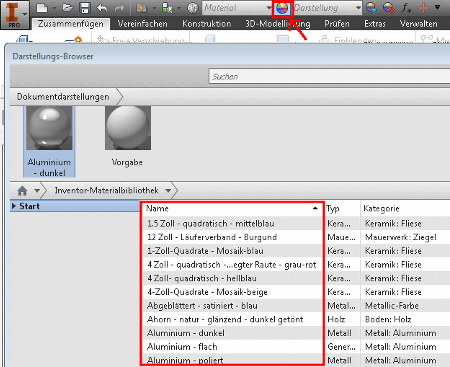
Preferably look up correct key values in the dialog box "Appearance browser".
![[Note]](images/note.png)