|
|
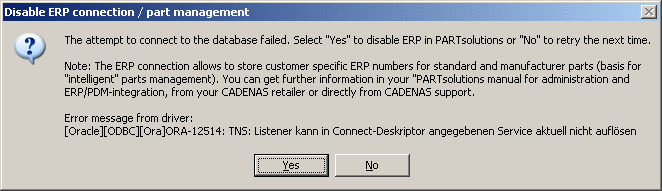
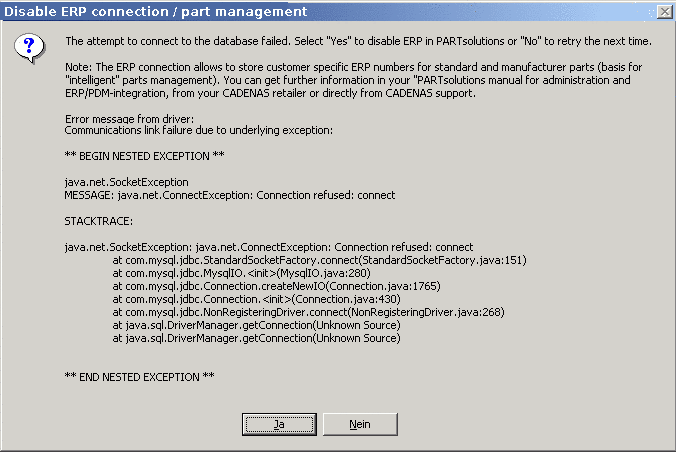
All applications that attempt to log in at the LinkDB result in an error message, if the login was unsuccessful (wrong password/DB is not running). (If there has not been at least one successful login to the defined ERP-database before).
Choose , to deactivate the ERP function in PARTsolutions or , if you want to try the login to database again.
Yes: The ERP function becomes deactivated.
You receive the following confirmation notice.
| Information |
|
ERP has been disabled. Please restart all running PARTsolutions modules for changes to take effect. |
Restart the opened PARTsolutions module in order to accept changes.
No: Upon the next registration connection to the database is tried again.
![[Note]](images/note.png) | Note |
|---|---|
Information regarding manual activation/de-activation can be found under Section 4.25.4.3.2.2.1, “ Login mode ”. | |