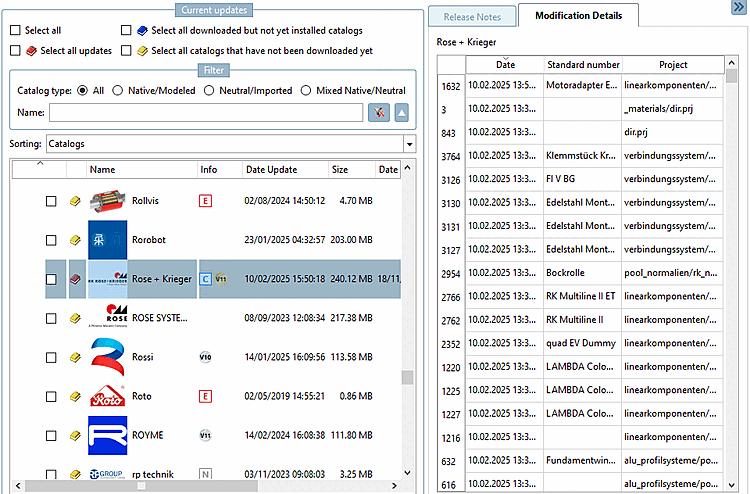
BEFORE installation, you can
see an exact breakdown of the change details if you only
download the catalog and do not install it immediately.
To do this, it is important that you deactivate the
Install after
download [Install after download] option. You can find detailed
information on this at Section 1.4.3.4, “
"Check" and "Compare " before installing the catalog
”. AFTER installation, you will
see a precise breakdown of the change details in the
PARTdataManager under Part selection ->
History ->
Installed
catalogs [Installed catalogs]. See Section 1.4.3.1.4, “Check project changes in detail (after the
installation)
”. | 
![[Note]](images/note.png)