Chapter 6. FAQ 6.3.
Training documents
|  |
| Prev | Next |
The online help refers in part to the examples in the training documents [Training documents].
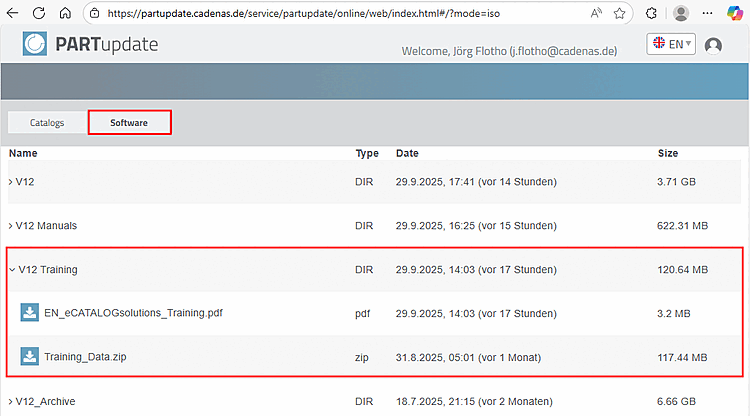
You can find the file "Training_Data.zip" on PARTupdate.cadenas.de > Tabbed page Software > V12 Training.
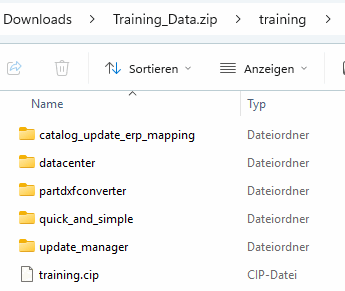
Unzip
the zip file. This contains the catalogue training.cip and other
Sample.
Install
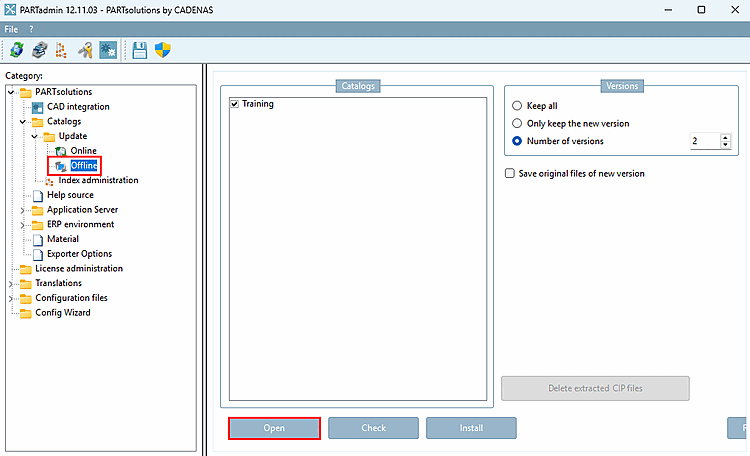
You training.cip the catalog file in PARTadmin using an offline installation. Details can be found here.
under Section 1.4.3.3, “
Offline catalog installation / catalog update
”.